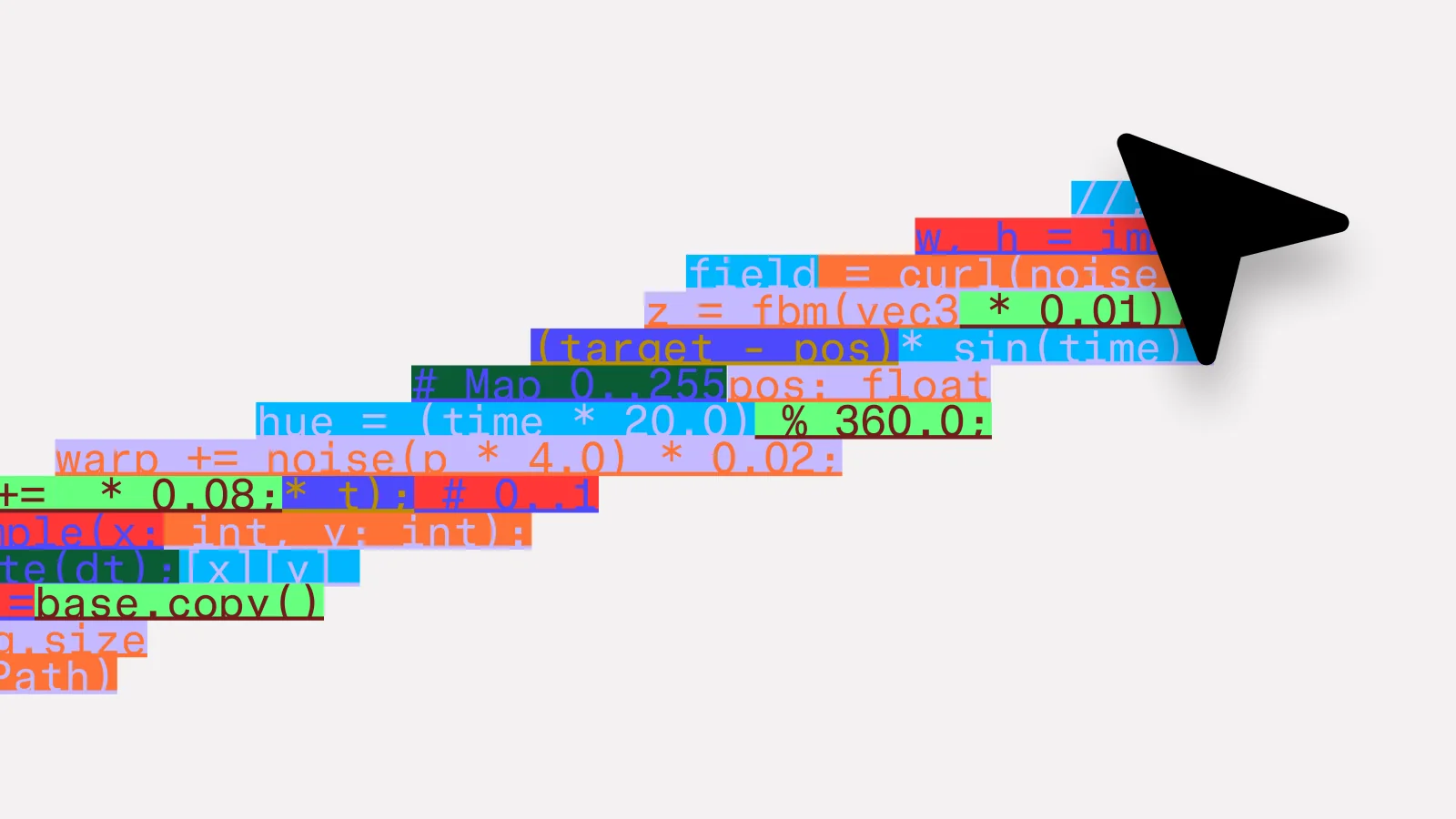
Figma introduced a new code-to-canvas workflow on February 17 that can translate a running interface into editable Figma layers.
The capability lets a project begin in code, move into a shared visual space for comparison and review, then return to implementation through the Figma MCP server.
Code converges, the canvas diverges
A running prototype is valuable because people can click it, test real data, and understand technical scope. It can also narrow attention around the first version that happened to work.
The canvas supports a different kind of thinking. Teams can place multiple screens and directions side by side, keep rejected ideas visible, annotate gaps, and understand an entire flow without navigating one route at a time.
Built interfaces become editable
The workflow captures browser-rendered screens from production, staging, or local development and converts them into standard Figma frames. Designers, engineers, and product managers can then reorganize, duplicate, edit, and discuss the same artifact.
Approved changes can return to a coding agent through a Figma frame link. This creates a practical round trip rather than treating design and implementation as two files that steadily drift apart.
The best idea, not only the first
Faster implementation makes exploration more important. When a prompt can produce a working screen quickly, teams need a deliberate moment to compare alternatives and ask whether the product is moving in the right direction.
The release is a meaningful design-technology story because it treats code and canvas as complementary materials. One proves behavior; the other makes possibilities visible.