Figma used Config 2026 on June 24 to announce one of its broadest expansions of the design canvas. The release brings code layers, Figma Motion, shader fills and effects, generative plugins, Figma Weave tools, and a more context-aware design agent into the same collaborative environment.
The common idea is that code, motion, and procedural visual effects should behave like design materials rather than exports that only become editable in separate tools.
Code and motion become native materials
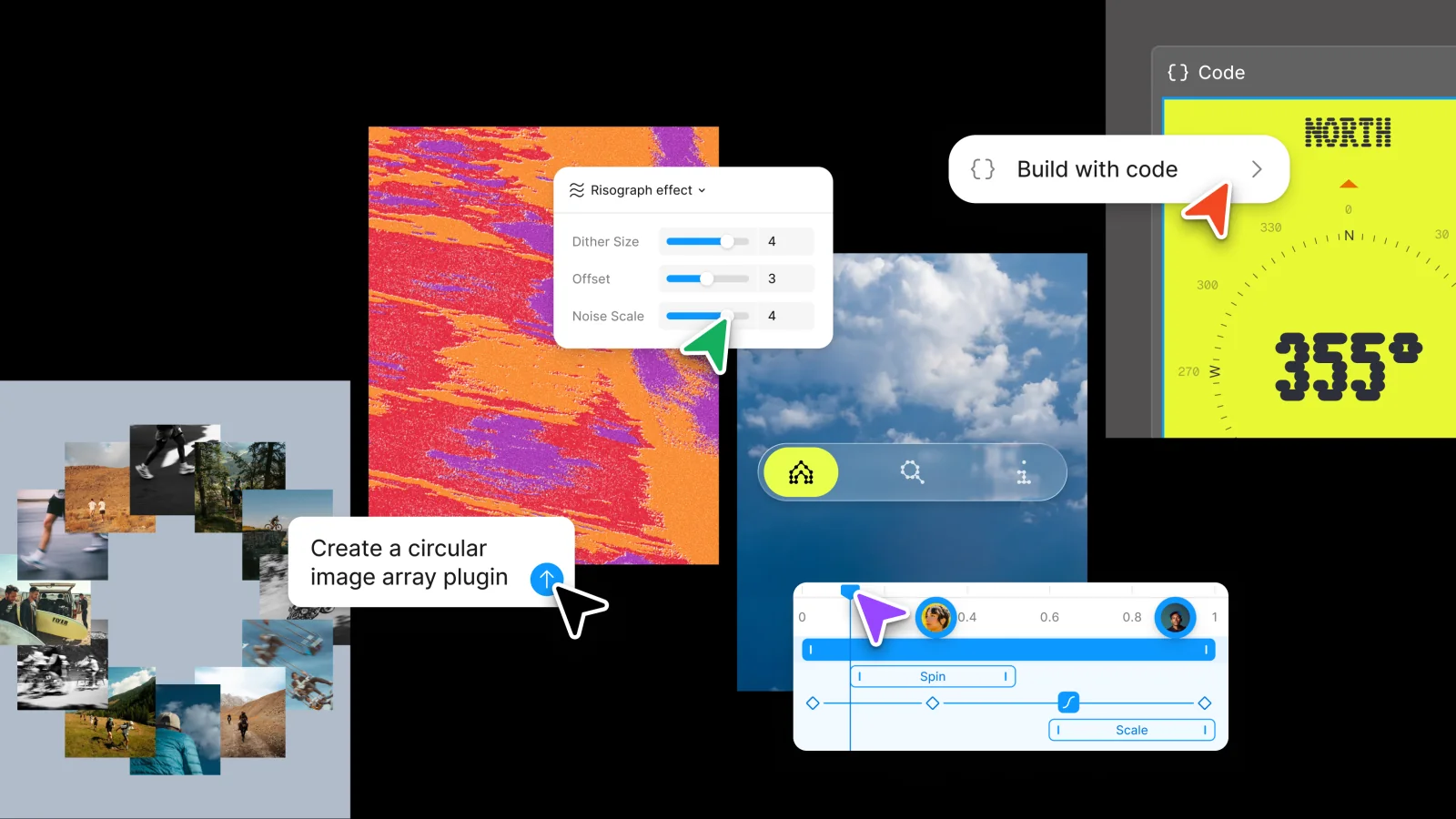
Code layers let teams turn a visual layer into interactive code, duplicate it to explore alternatives, and move selected results back into editable design layers. The goal is to make coded exploration as visible and collaborative as frames on the canvas.
Figma Motion adds a timeline with keyframes and presets. Motion values remain inspectable in Dev Mode, and teams can copy animation output as CSS, JSON, or React. Video, animated SVG, and GIF exports support presentation and production workflows.
Shaders and custom tools
Shader fills and effects allow designers to describe a visual material or provide an image reference, then receive parameterized controls that can be adjusted and shared. Interactive shaders are planned after Figma completes additional performance work.
Generative plugins apply a similar approach to tooling. A designer can describe the behavior, controls, and parameters of a custom tool without first creating a local plugin project or learning the plugin API.
Weave and the design agent
Figma Weave brings reusable, node-based workflows for generative imagery, video, and other media onto the canvas. The updated agent can use skills, attachments, and connectors so its output reflects team conventions and information from other systems.
The expansion gives teams more expressive range, but also raises a governance question. The strongest design systems will decide which motion, shader, code, and agent workflows become reusable standards instead of allowing every file to become its own toolchain.