
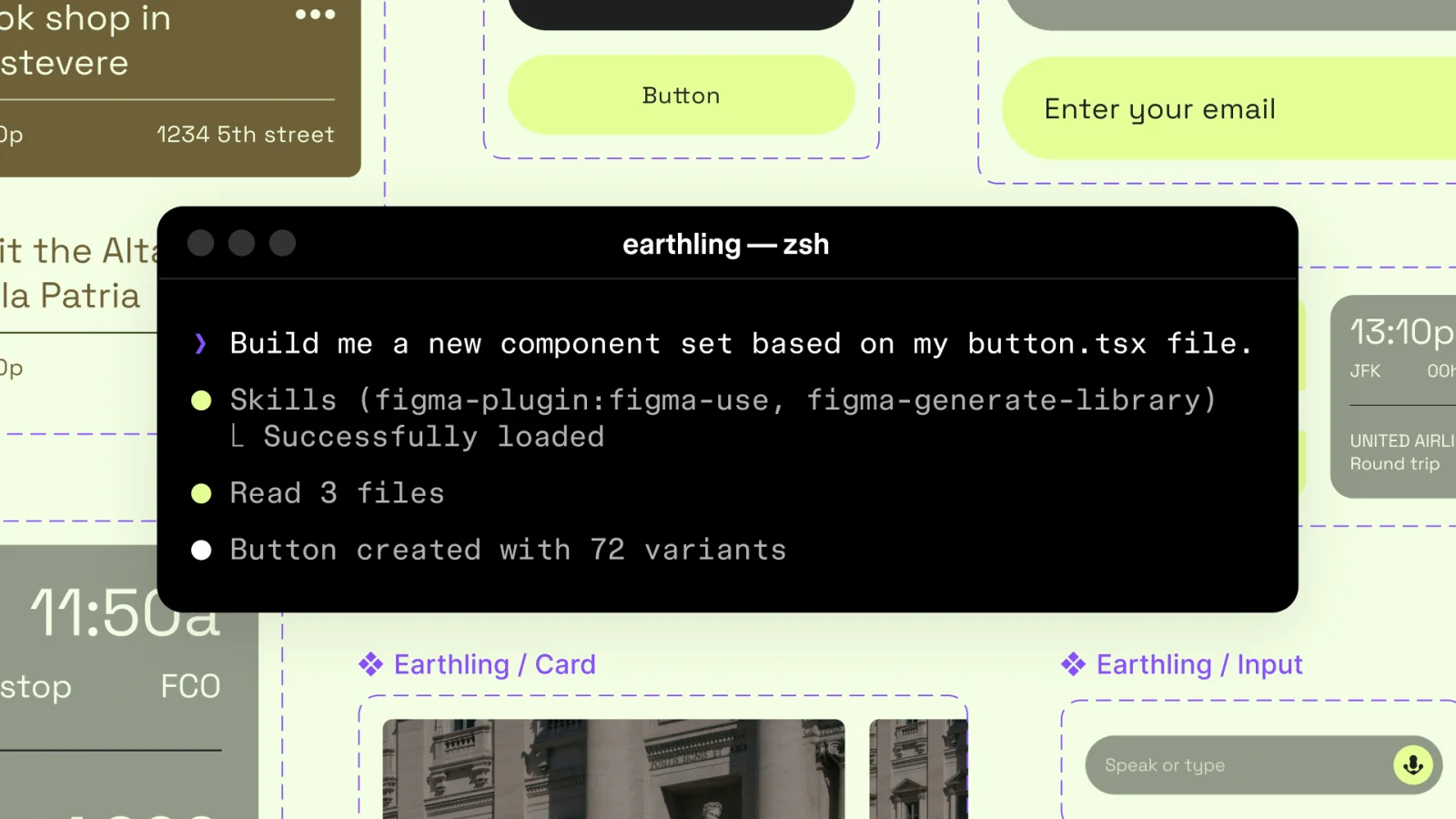
Figma opened its canvas to AI agents on March 24, allowing supported MCP clients to create and modify assets inside Figma Design and FigJam.
The new write-to-canvas capability is built around a simple idea: agents should work with the same components, variables, files, and decisions that a product team already uses, instead of generating a detached approximation of the brand.
Agents gain real design context
Through the Figma MCP server, clients including Codex, Claude Code, Cursor, Copilot, VS Code, and others can operate on the canvas. Teams can ask an agent to create component variations, update existing assets, or work across a structured file.
Skills provide reusable instructions about sequencing, conventions, and quality. Figma describes them as the layer that teaches an agent how a particular team expects design work to be performed.
A two-way workflow
Figma’s generate-design tool can bring a running interface from code onto the canvas as editable layers. The newer canvas tool can then refine those assets or create new work using the design system already in the file.
Together, the tools support a loop: capture the implemented product, inspect and change it collaboratively, then send the approved context back toward code.
Control and accountability
Direct write access makes permissions, review history, file organization, and rollback more important. Teams need to know which changes were produced by an agent, which instructions shaped them, and who approved the result.
Figma says the API will become a paid feature after the beta. The deeper value will depend less on how much an agent can generate and more on whether it can respect the system, craft, and intent that make a product recognizable.