
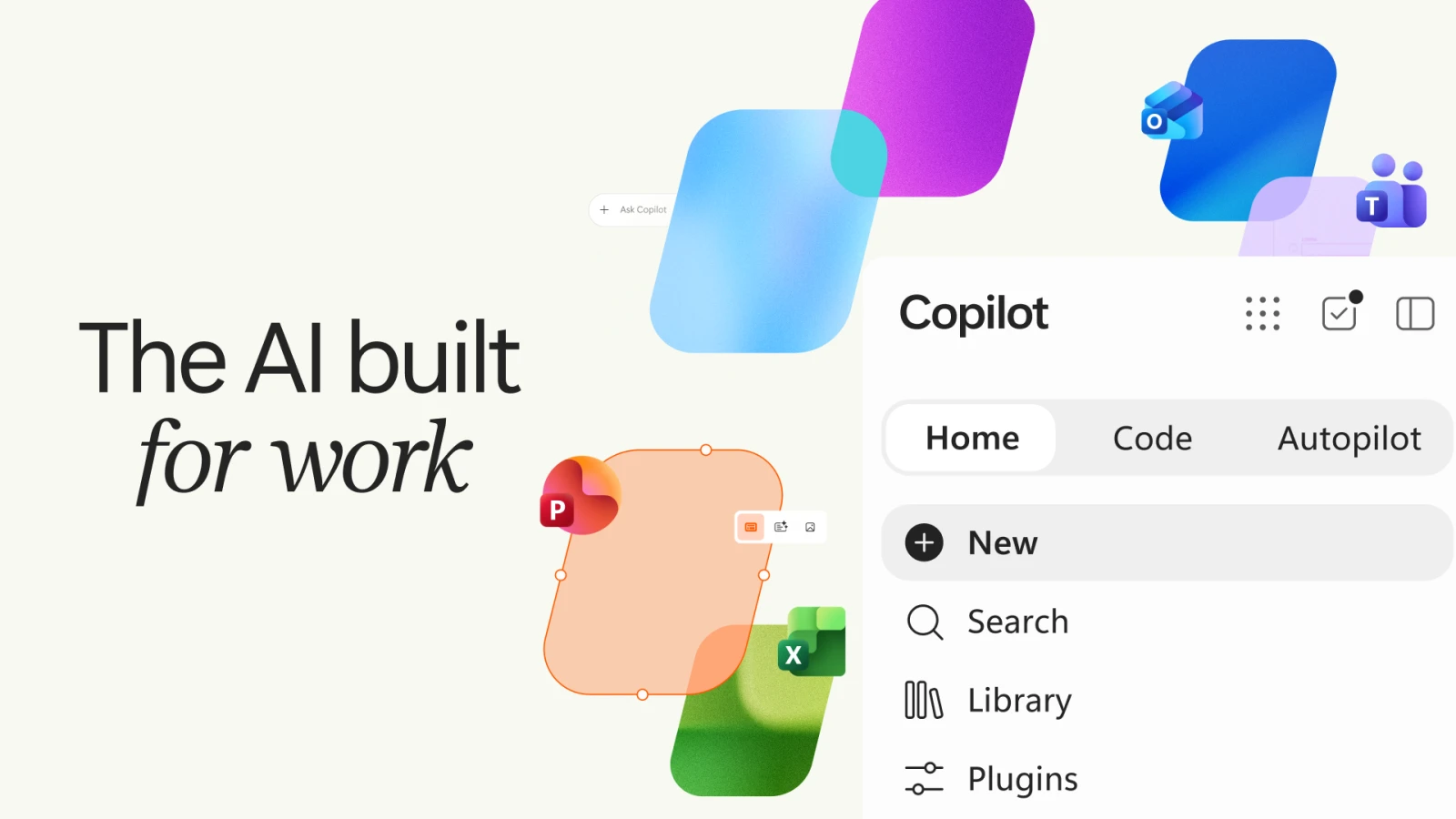
Microsoft announced a redesigned Copilot on September 25, 2026, organized around three capabilities: Home, Code, and Autopilot. Home combines Chat and delegated Cowork tasks with editable Word, Excel, and PowerPoint files. Code turns natural-language requests into applications and automations. Autopilot is a persistent cloud agent that can continue work between conversations.
This is an announcement with staged access. Microsoft says Home and Code are entering its Frontier program, while Autopilot expands to private preview at the end of September. The announcement date should not be read as general availability for every account.
The workspace becomes the product
Our reading is that the most consequential change is where the work lives. A conversation is useful for giving instructions, but it is a poor substitute for a document people can inspect, revise, and share. Keeping the resulting file close to the conversation can shorten the distance between an idea and a usable deliverable.
For interface designers, that creates a practical hierarchy problem. A person needs to distinguish the instruction, the current file, earlier revisions, and the next action. A polished chat stream does not solve that by itself. Clear file state and visible ownership matter when several people and an agent are editing the same work.
App creation needs a home after the prompt
Microsoft also introduced a preview of Copilot Managed Runtime to host applications inside a company's Microsoft 365 environment. It describes Code as using GitHub Copilot technology in a sandbox, with organizational controls around execution and access.
The useful question for teams is what happens after a generated app first works. Someone needs to own its data connections, understand who can use it, and decide how changes are reviewed. Small internal tools become part of daily operations quickly. Their management screens deserve the same care as their creation flow.
Persistent agents change the meaning of progress
A task that continues while its owner is away needs more than a spinner. It needs a durable record of what happened, what remains unresolved, and which decisions were made. On return, a person should be able to review a concise account and open the underlying evidence without reconstructing an entire conversation.
This also changes notification design. Every intermediate action does not deserve an interruption. A useful system reserves attention for a completed result, a meaningful change, a failed dependency, or a decision that needs a person. Those distinctions should be designed into the workflow from the beginning.
Cost becomes part of the interface
Microsoft says Cowork, Code, and Autopilot use usage-based billing, and is adding controls and visibility for AI spending. That makes cost an interaction concern as well as a procurement concern.
For products built around delegated work, a useful cost display connects spend to the task and the result. Teams should be able to see whether an agent finished, retried repeatedly, or stopped before producing anything usable. That context helps people decide when a workflow deserves more automation and when the workflow itself needs improvement.