Campaigns, product emails, templates, and delivery records in one workspace.
RouteKite brings marketing and transactional email into one product. Teams share contacts, templates, sending setup, and message history.
Marketers work in the campaign console. Developers connect through the email API. The website explains both paths with product previews, a template library, documentation, and a pricing calculator.
Two ways to send email. One product to manage.
A marketer starts with an audience and a message. A developer starts with an event, such as a purchase or a password reset. The platform needs to support both without making either workflow harder to follow.
The design keeps shared tools in one place, but gives campaigns and API messages their own starting points. Sender details, content, audience selection, and delivery records each have a clear role.
Our approach
Organize the product around the work.
The website introduces each task with a product preview and a link to the relevant page. In the console, the campaign flow moves from setup to content, review, and send. Documentation gives developers a separate route from domain verification to their first API message.
What we designed
Campaigns
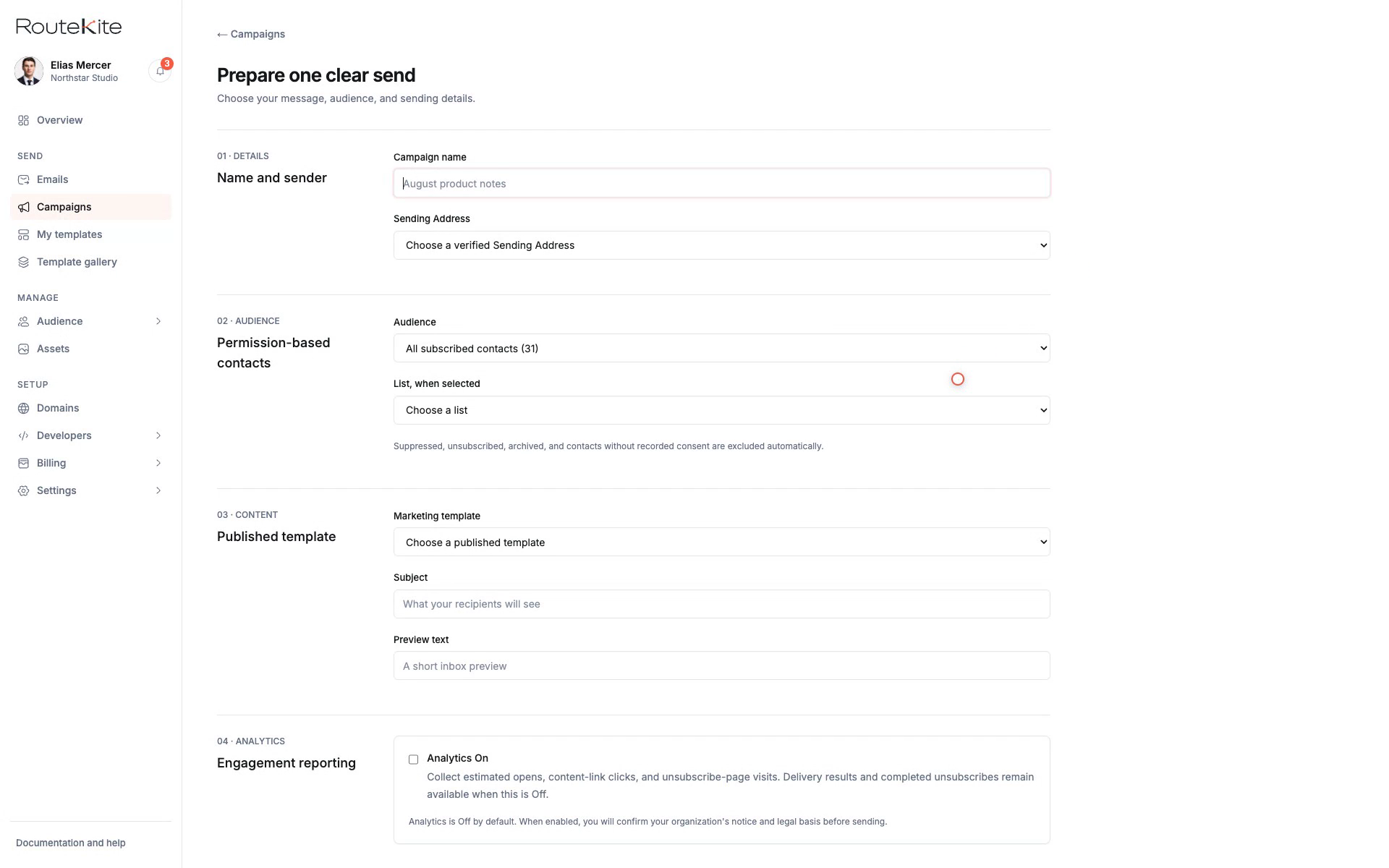
The campaign builder separates preparation from sending. Teams can check the audience and message before the final action.
Choose the sender and campaign details
Select all subscribed contacts or a saved list
Choose a published template and add personal details with variables
Review the audience, sender, and content
Send and follow recipient activity
Contacts and lists
Contact profiles bring list membership and subscription details together. Saved lists can be used again in later campaigns.
CSV imports with results for each import
Contact profiles and subscription details
Reusable lists and audience totals
Templates and editing
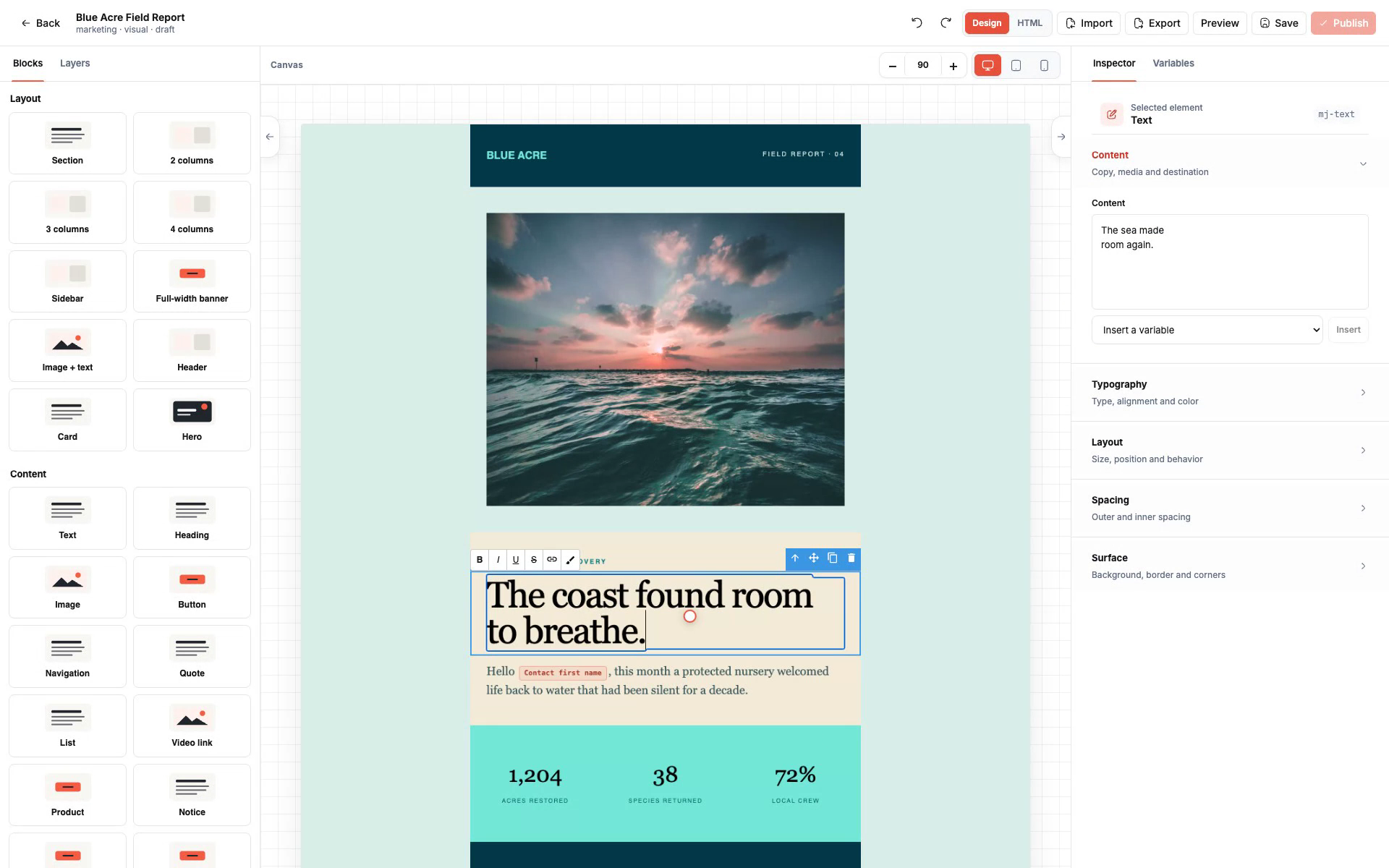
The library offers starting points for marketing and product emails. Teams can preview a design before opening it in the visual editor.
Categories for retail, software, publishing, events, and more
Full design previews
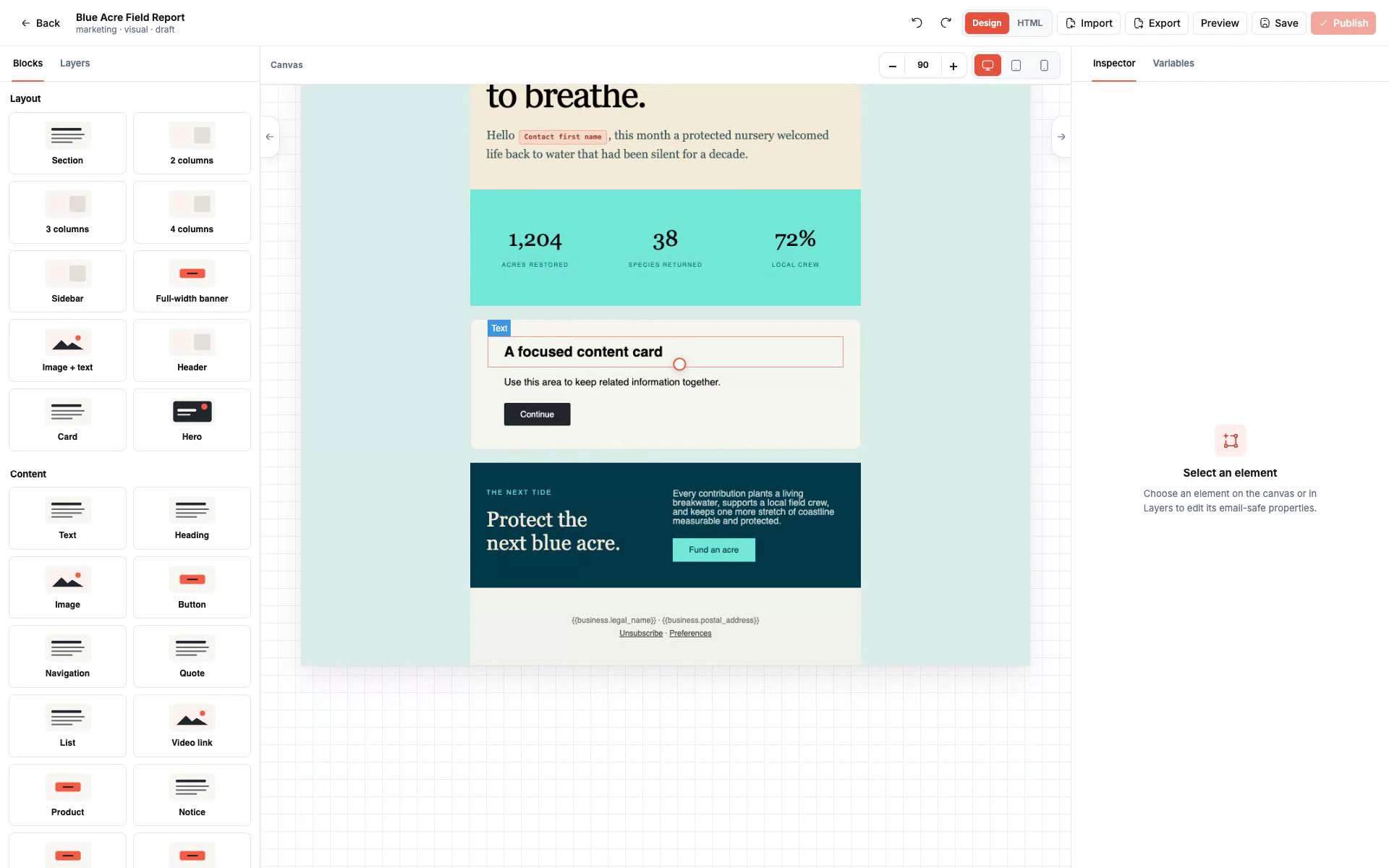
Editable content blocks and personalization variables
Published templates that can be reused
Email API
Developers verify a domain, set up a sending address, and create an API key. Their application can then send messages and retrieve the delivery record.
HTML, plain text, or a published template
One recipient per transactional message
Attachments and message retrieval
Examples in several programming languages
Message history
Reports lead from overall activity to the events for one message. Accepted, queued, and provider-reported delivery are shown separately. A delivery report does not guarantee inbox placement or that someone read the email.
Campaign and transactional activity
A record for each accepted recipient
Latest reported result and events in time order
Plans and pricing
The calculator shows how expected usage affects the estimate. It includes more than email volume, so teams can compare the capacity they need.
Included recipient allowances
Contact, domain, workspace, and teammate limits
Storage and attachment delivery costs
An estimate without selecting a plan or creating a charge
RouteKite in motion
Promotional film
Meet RouteKite.
The complete RouteKite promotional film.
RouteKite / Promotional film
Screen recording
Inside the console.
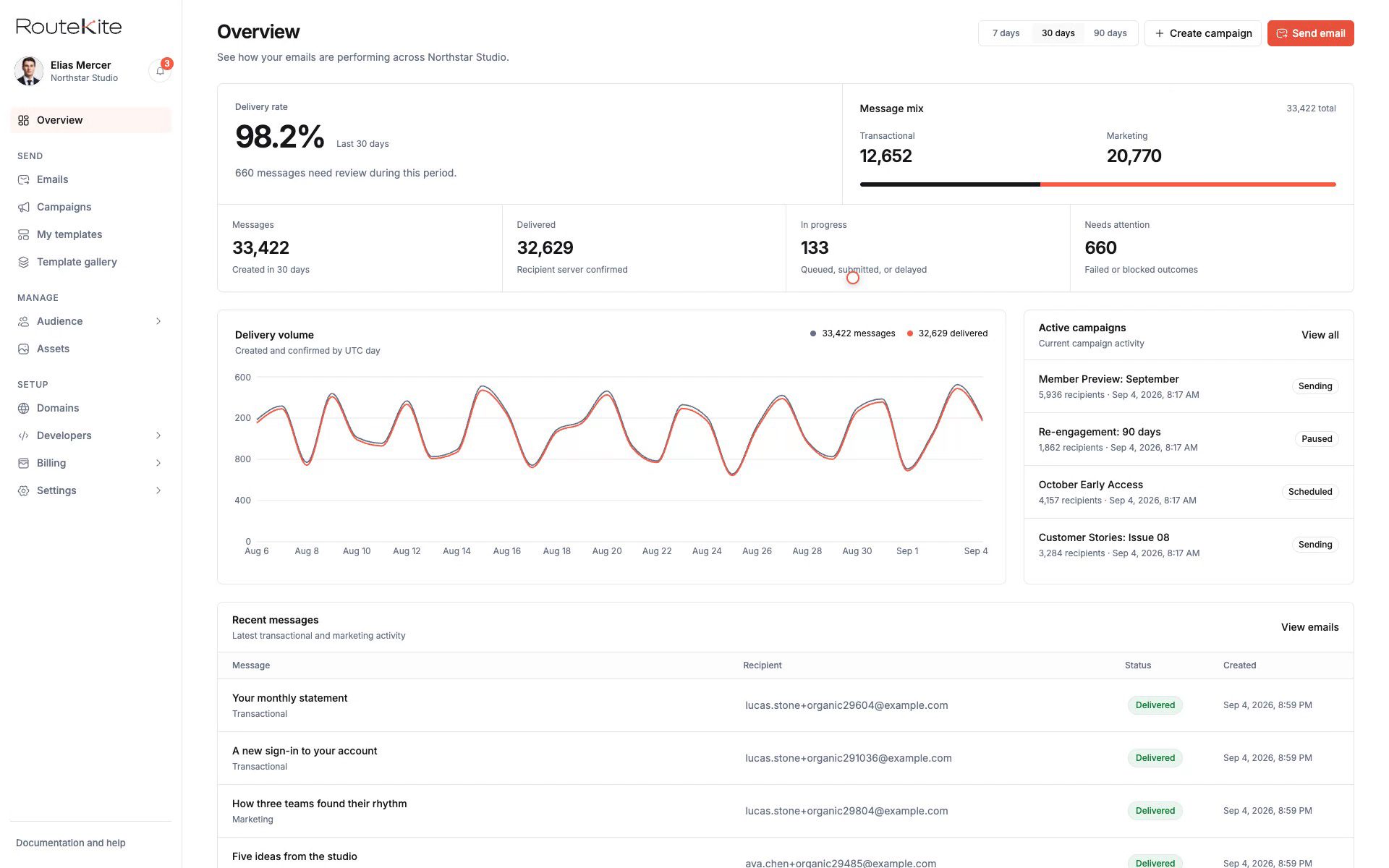
A walkthrough of the workspace and campaign screens.
RouteKite / Screen recording
Screen recording
Editing an email template.
The visual editor and its content controls in use.
RouteKite / Screen recording
The brand
A clear identity for an email workspace.
The RouteKite name and mark draw on the idea of a message following a route. White surfaces, dark text, and coral accents carry that identity into the product.
Primary wordmark
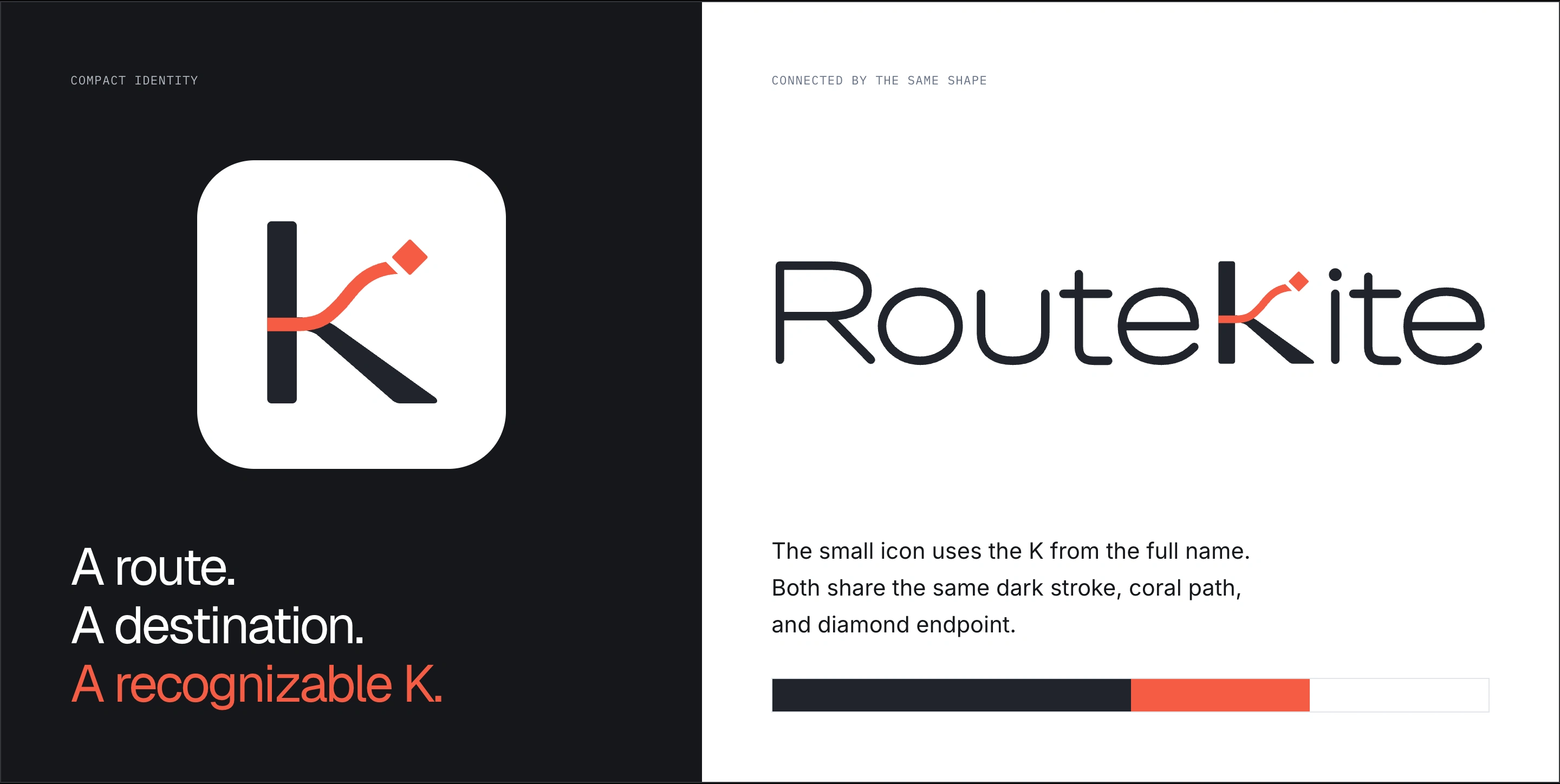
The K combines a dark stroke, a curved coral path, and a diamond at the end. The same shape appears in the full wordmark and the small icon.
Primary wordmark
The full name, drawn as a custom logo.
Compact mark
The K from the wordmark, used where space is limited.
Wordmark on dark surfaces
A white backing keeps the dark lettering visible.
Icon on dark surfaces
A white-backed icon for browser tabs and avatars.
Email header
A PNG version for email layouts.
Brand in use
From logo to product.
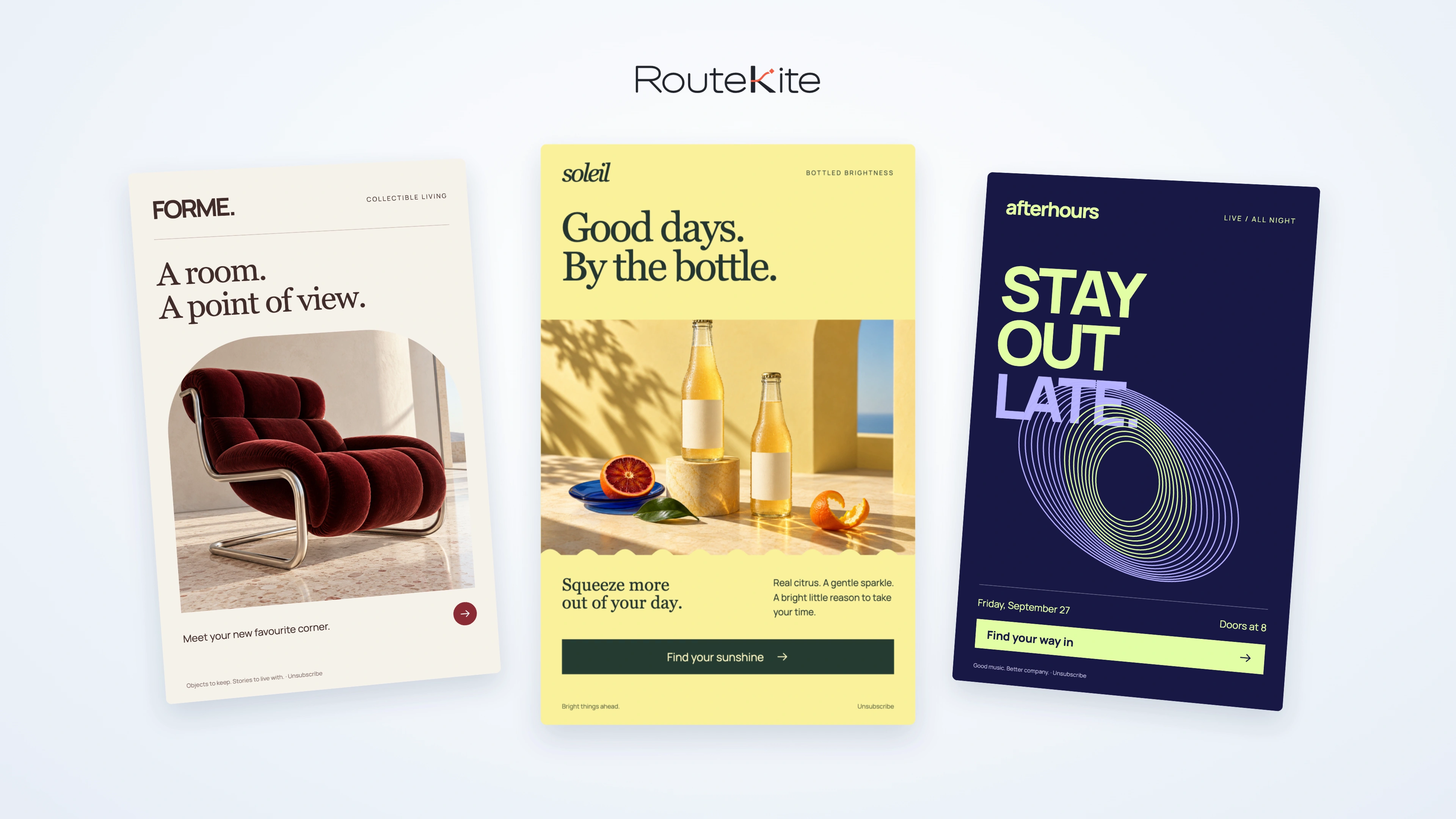
Three application studies showing the brand and product together.
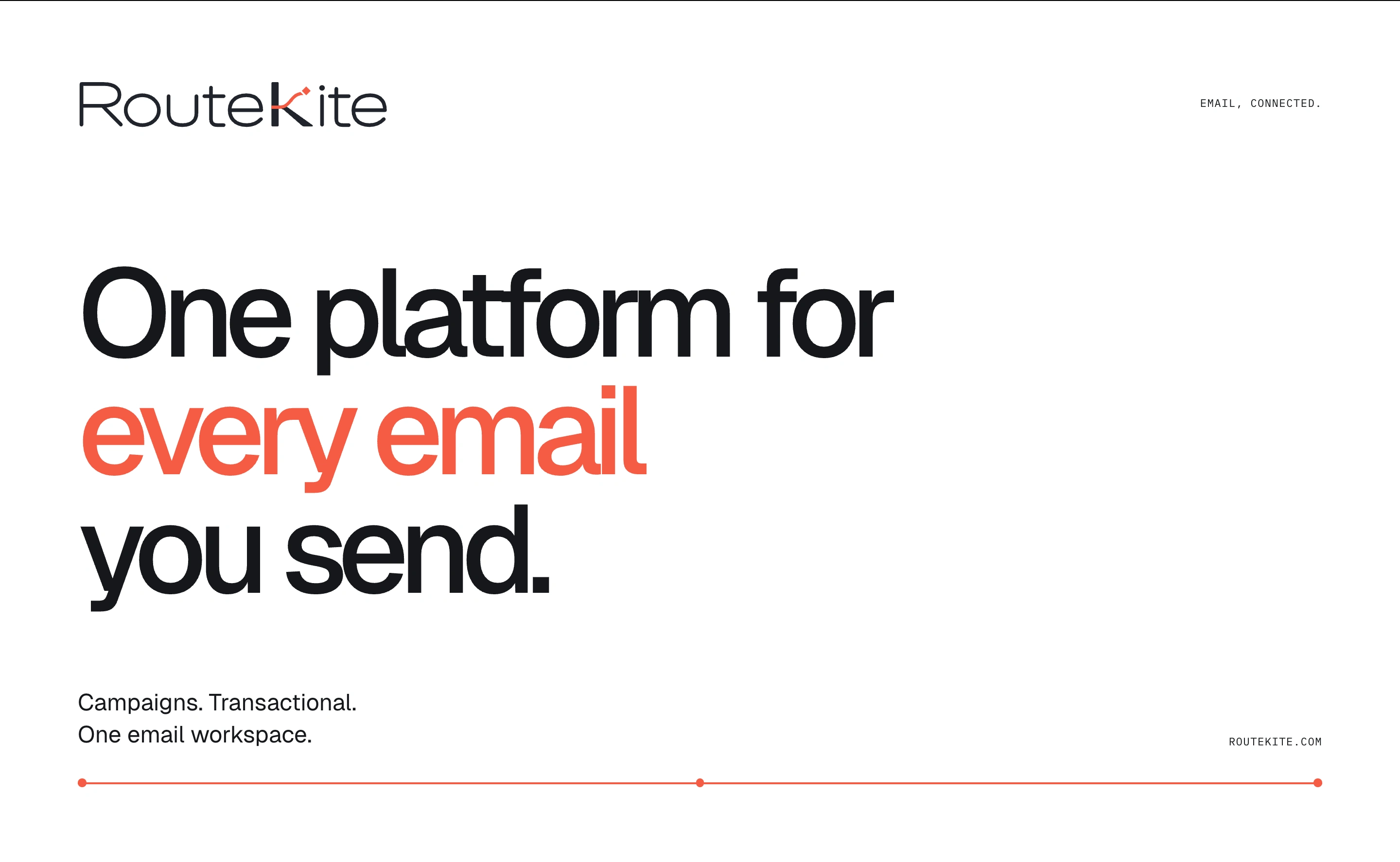
Email, connected.
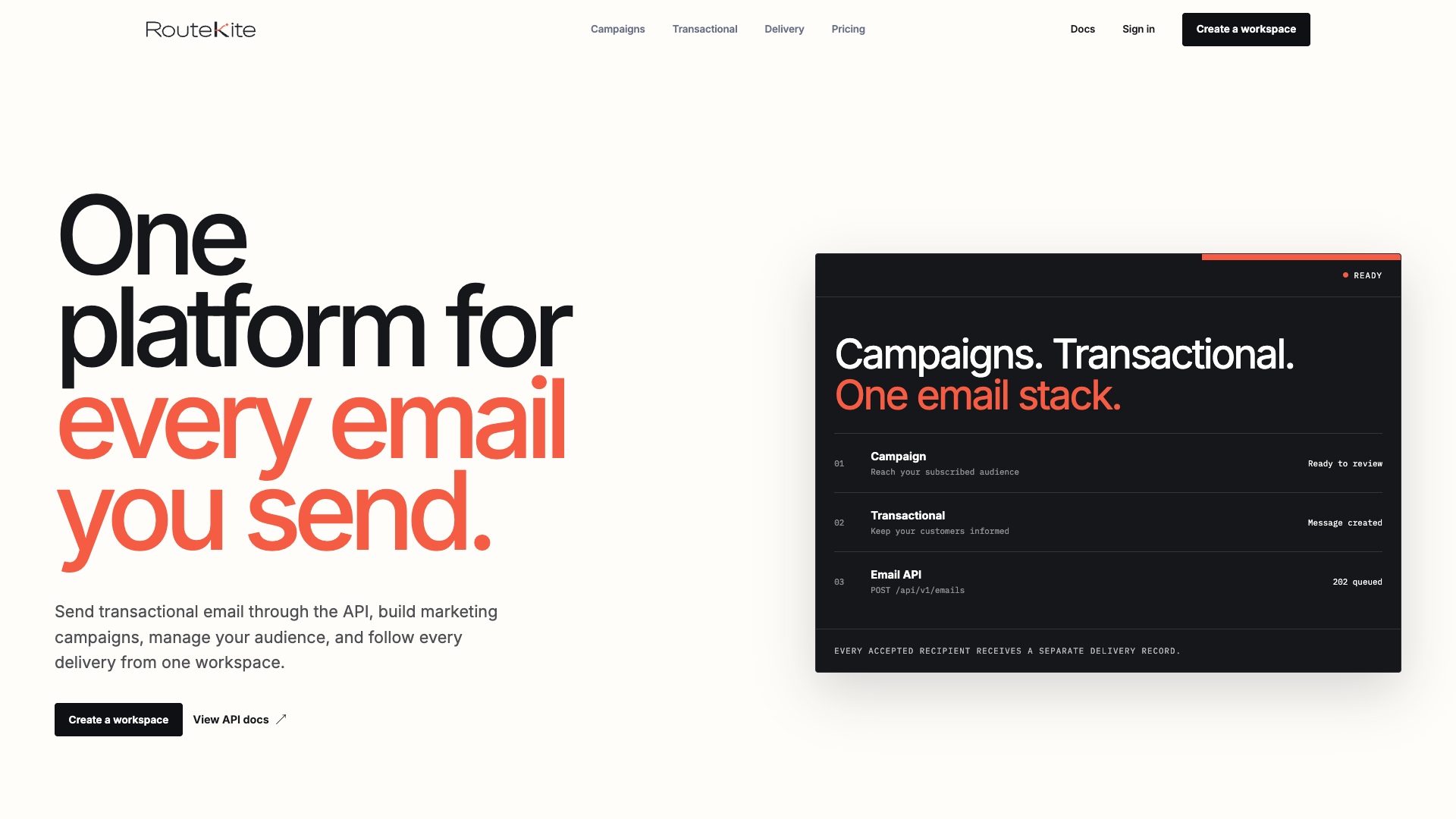
One platform for every email you send.
Campaigns. Transactional. One email workspace.
routekite.com
Poster study.
The wordmark, coral accent, and product message in one layout.
Use short, calm explanations for both developers and campaign teams.
Describe what the product does without exaggerated promises.
Images
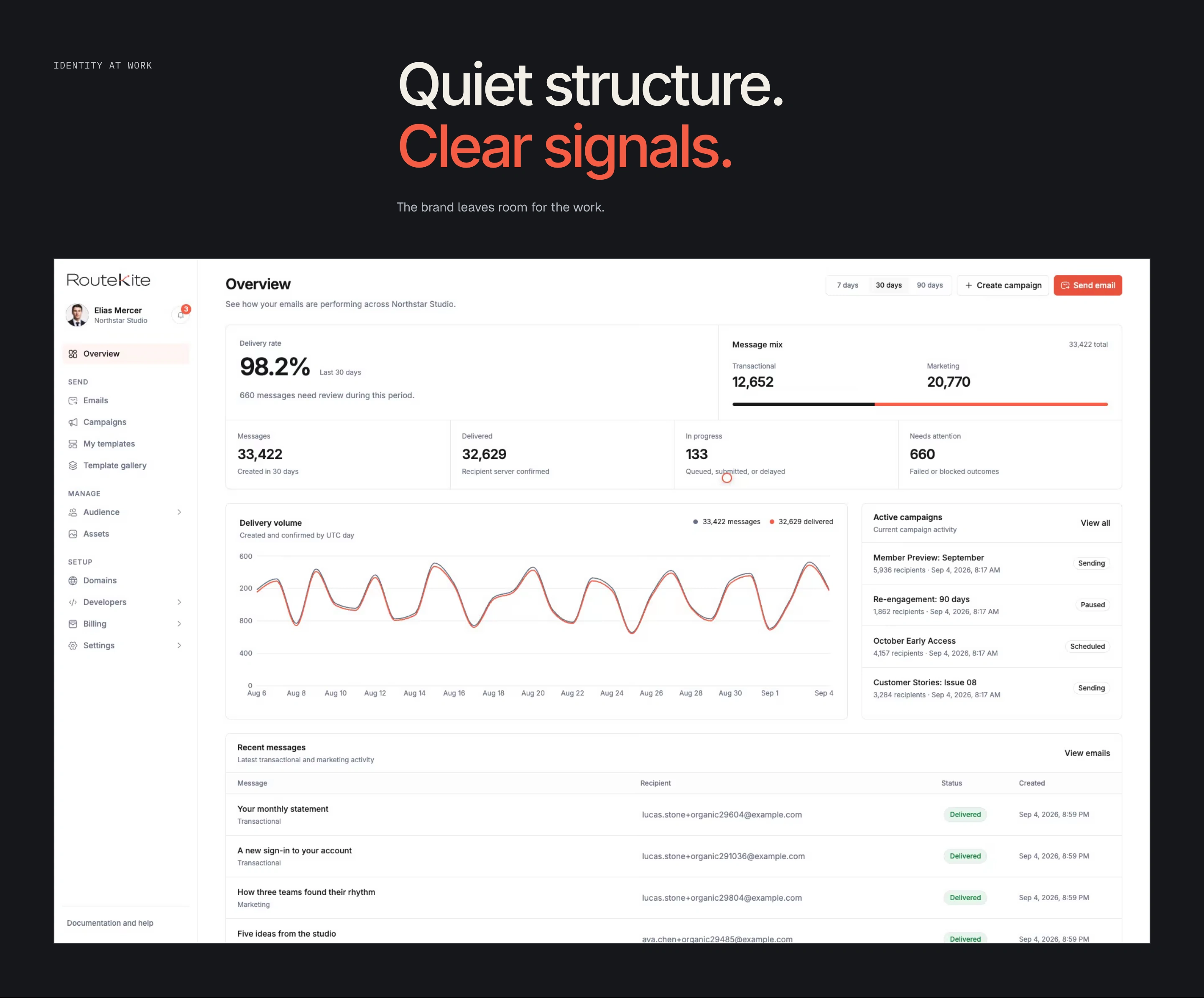
Use real product screens to show the interface.
Use simple diagrams to explain writing, sending, and reporting.
Frame light product screens with dark backgrounds.
Where it is used
Public website and product navigation
Browser tabs and app icons
Email headers
Documentation and product diagrams
Product films
What to avoid
Changing the logo's colors, shape, or proportions.
Placing the dark logo on a dark background without its white backing.
Using the logo as a button icon.
Using color alone to show a status or warning.
Motion
Use movement to show a workflow or respond to an action. Keep the logo still.
A closer look
The homepage introduces campaigns and transactional email.
The console shows navigation and recent activity. Figures are demonstration data, not client results.
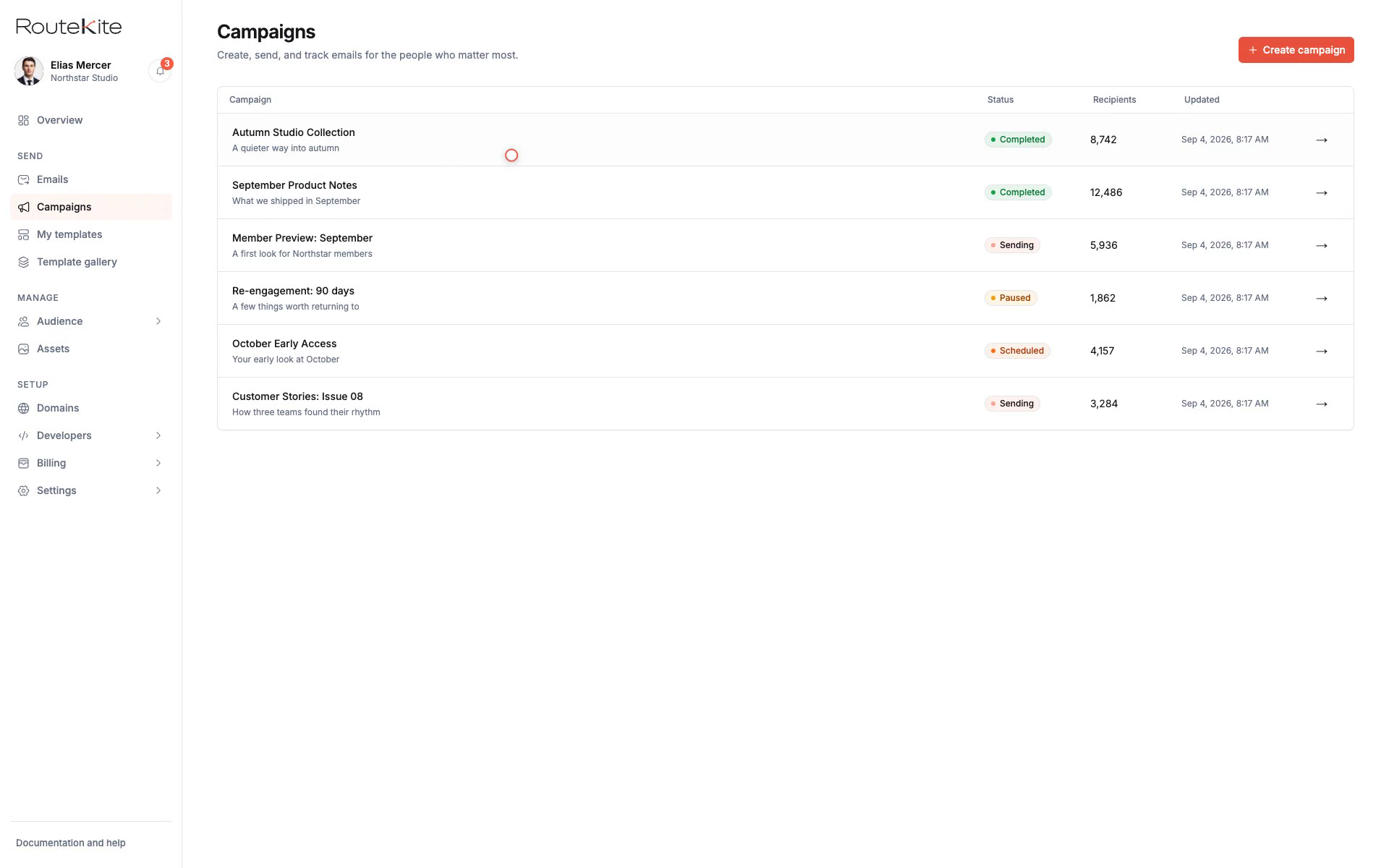
The campaign list keeps drafts and sending activity in one place.
The campaign builder separates content preparation from review and send.
The template editor places controls beside the email preview.
Content blocks allow changes within the email layout.
From a message draft to its delivery record.
The finished work covers RouteKite's identity, public website, and email workspace. The recordings show campaign management and template editing alongside the promotional film.
What we delivered
Public website screenshots captured on September 30, 2026, document the marketing pages, template catalogue, and developer documentation.
Supplied console and template-editor recordings show campaign management, message preparation, and editable email content.
The case study includes the delivered logo, colour palette, typography, and brand style guide. Dashboard figures in the recordings are demonstration data.
Services behind this project
Explore the scope, process, and deliverables for similar work.