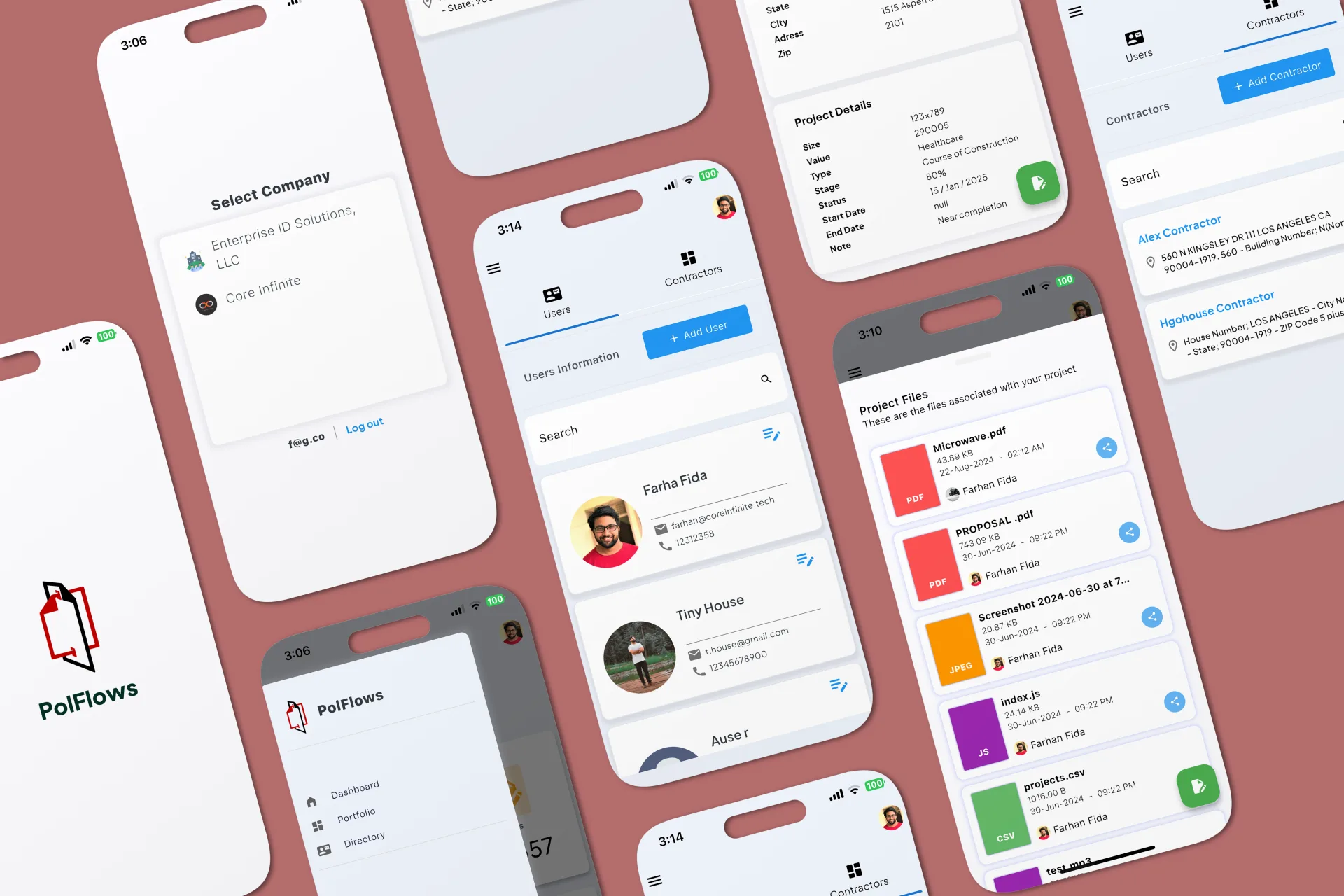
Property records
Developers, projects, units, and files follow one clear structure.
A clearer way for brokers to manage property, bookings, and payments from one place.
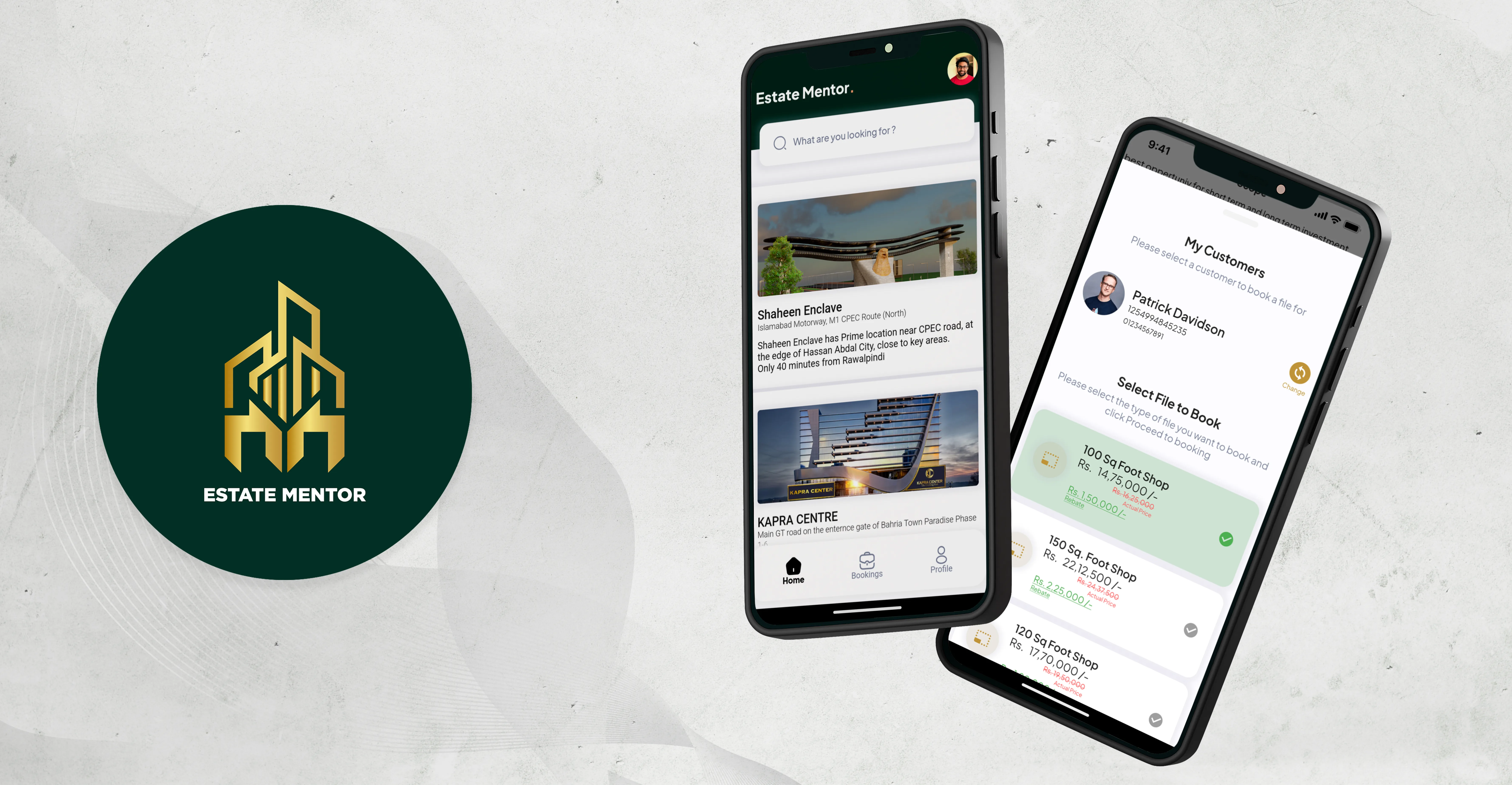
What we made, why it mattered, and how it came together.
Estate Mentor helps real-estate teams organize developers, properties, customers, bookings, and payments. We designed the mobile experience around the work brokers do during and after a customer conversation.
A property can move from an available listing to a recorded booking without losing the customer, price, documents, or payment details connected to it.
Developers, projects, units, and files follow one clear structure.
The customer, property, price, and documents stay together.
Payment status and supporting proof are easy to review.
Brokers can follow earnings and payouts without mixing them with booking totals.
A broker might find availability in one file, customer details in another, and payment proof inside a chat. That slows down conversations and makes old bookings hard to revisit.
The app needed to feel quick on a phone while still keeping a reliable record of each transaction.
What we had to balance
Fast search and complete records
Strong property imagery and useful data
Quick booking and careful review
Broker earnings and company records
Our approach
Properties, customers, bookings, and payments are connected instead of treated as separate lists. A broker can begin with an available unit and carry its details through the rest of the transaction.
The dashboard keeps current work easy to see, while full records remain available when someone needs to check what happened.
Find properties, create bookings, record payments, and follow earnings.
Review active bookings, team activity, payments, and payouts.
Get faster, clearer answers because the broker has the right record at hand.
Explore developers, projects, and available units.
Review the unit, price, files, and current status.
Connect the right customer to the selected property.
Confirm the important property and pricing details.
Add payment information and supporting proof.
Review status, history, and anything still outstanding.
See earnings and payout records when the transaction moves forward.
Each feature supports the wider experience instead of standing on its own.
Developers, projects, and categories provide a clear way into the inventory.
Unit and file records show what can be offered before a booking begins.
A guided flow keeps the customer, property, price, and documents together.
Payments, proof, earnings, and payouts are related but clearly separated.
Key decisions
DecisionCreate a booking from the selected property record.
ReasonIt avoids re-entering details and keeps the booking tied to the right unit.
DecisionKeep payment proof inside the booking.
ReasonThe team can see why a payment is pending, accepted, or being checked.
DecisionSeparate booking value, payment, earnings, and payout.
ReasonClear labels prevent different financial records from being confused.
Navigation
The structure moves from developer and project to unit and booking without losing the path back.
Money
Prices and payments are shown with the status and label needed to understand them.
Mobile use
Property selection, booking, proof, and follow-up actions sit near the information they affect.
Structure
The product links developers, projects, units, customers, bookings, payments, and users through a consistent data model.
Accuracy
Bookings and payments include review, proof, and clear status because mistakes can affect real money.
Screens and design details from the project, with a short note about each view.
Property and developer views organize the inventory before a booking starts.
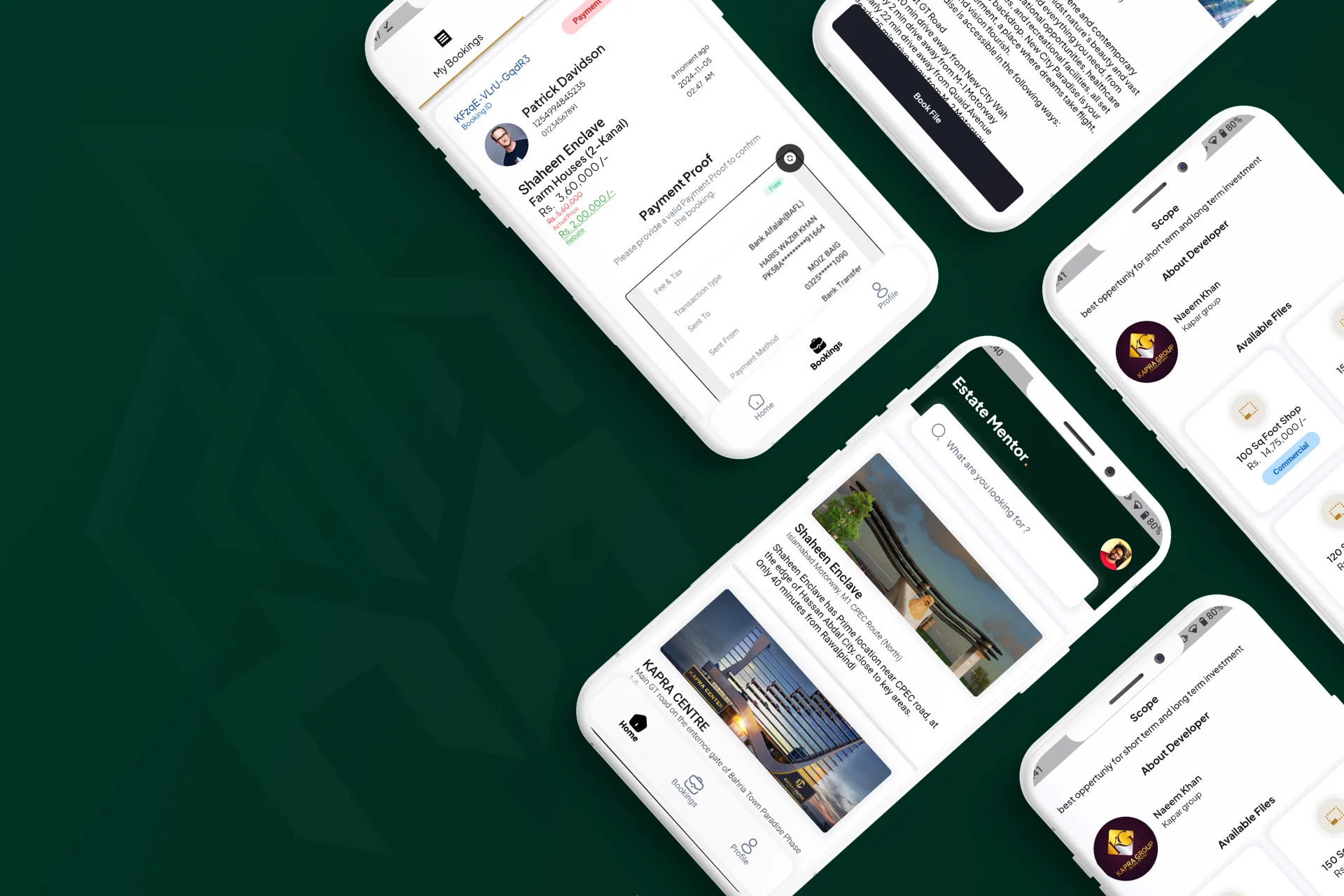
The booking flow keeps the customer, property, price, and proof together.

Profiles, earnings, payouts, and history complete the broker workflow.
“The team delivered a custom real-estate ERP that brought essential workflows into one focused system and worked closely with us throughout the process.”
Saif Ur Rehman, Founder & CEO, Attari Group
Estate Mentor brings property, customer, booking, and payment records into one clear workflow. Brokers can use it during a conversation and return later without rebuilding the story of the transaction.
What we delivered
Start a project
Share the product, the current stage, and the support you need. We will reply with practical next steps.
Start a project