Project structure
Mobile and web use the same projects, people, files, and status.
One clear view of a construction project, whether you are at a desk or on site.
What we made, why it mattered, and how it came together.
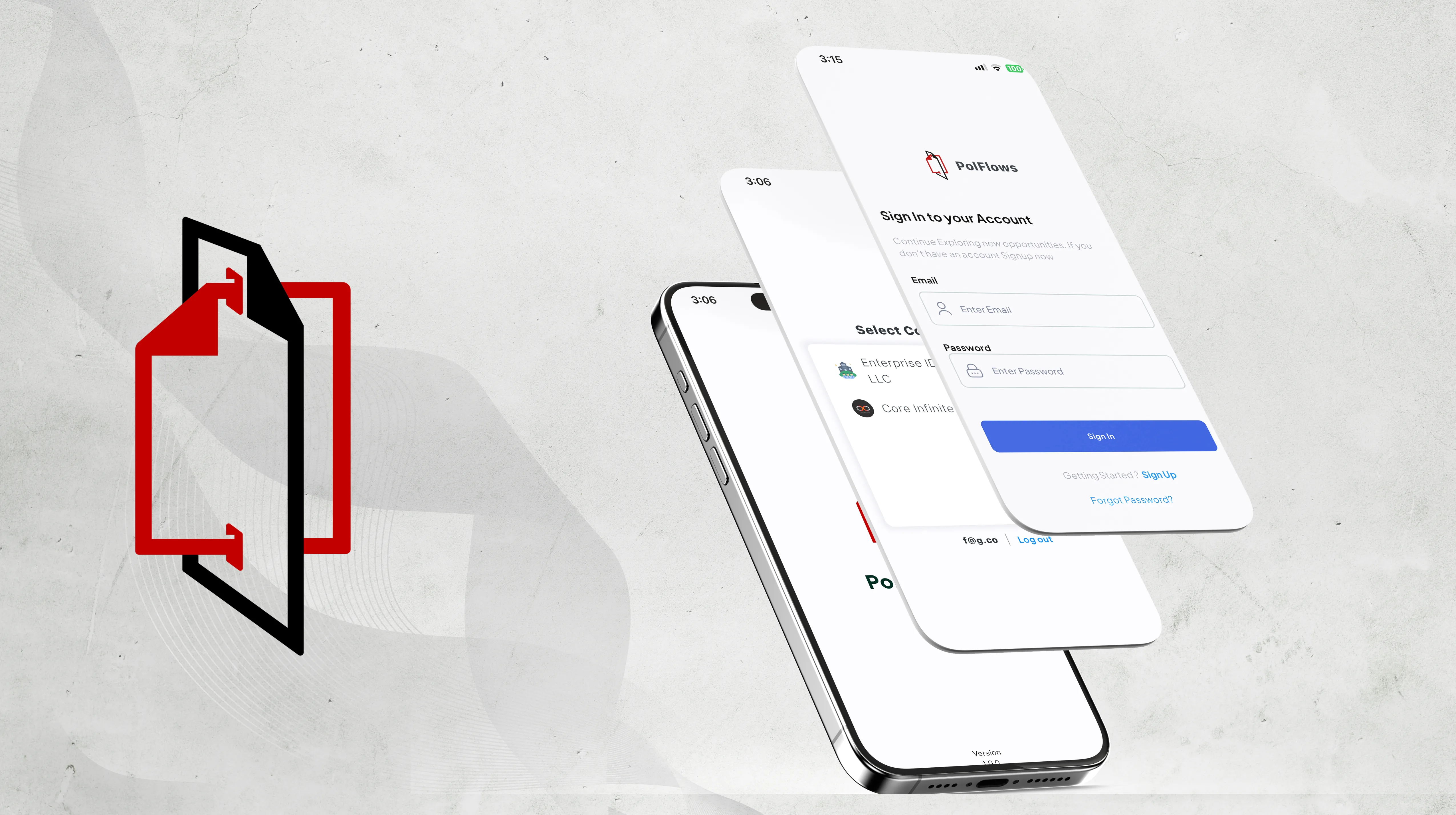
PolFlows helps construction teams manage projects, people, contractors, files, and daily activity. We redesigned the mobile and web products so office and site teams could work from the same information.
The layouts change to suit each device, but project names, status, people, and files stay familiar wherever the work is opened.
Mobile and web use the same projects, people, files, and status.
Site teams see the information and actions they need most.
Office teams have more space to compare and manage projects.
Names and status remain familiar across both products.
Office teams may review several projects on a large screen, while site teams need one file or contact quickly from a phone.
The redesign had to support both without making the mobile and web products feel unrelated.
What we had to balance
Desktop detail and mobile focus
Company overview and project detail
Shared files and access control
Quick updates and useful history
Our approach
Projects are the main organizing point. People, contractors, files, and activity stay connected to the project they belong to.
Web layouts make room for comparison and administration. Mobile layouts bring the current project and immediate actions forward.
Set up organizations, users, contractors, and project records.
Review project status, find documents, and manage directories.
Open the current project, people, and files from a focused mobile view.
Start inside the company or team responsible for the work.
See which projects need attention.
Bring the people, files, and latest information together.
See who owns or contributes to the work.
Find project documents without losing their context.
Use the same information during office and site handoffs.
Each feature supports the wider experience instead of standing on its own.
Companies, teams, and roles define where people work and what they can see.
Dashboards help teams scan their current work and open the right project.
One detail view brings together the information needed for an active project.
Profiles and documents remain tied to the organization and project they belong to.
Key decisions
DecisionKeep project context visible as users move deeper into the product.
ReasonA file or person only makes sense when the related work is clear.
DecisionShare the structure but adjust density and actions for each device.
ReasonA phone on site and a monitor in the office support different kinds of attention.
DecisionSeparate internal users from contractors.
ReasonTheir responsibilities and relationship to the company are different.
Responsive design
Web supports comparison, while mobile turns the same information into shorter, focused steps.
Dashboard
Dashboard cards open the project behind the number instead of acting as decoration.
Directories
Profiles and records show the relationships needed to coordinate work.
Design system
Projects, people, files, status, and navigation use reusable patterns that can adapt to each screen.
Clarity
Labels, grouping, and hierarchy keep projects readable on both dense desktop views and small screens.
Screens and design details from the project, with a short note about each view.
The mobile app brings active projects, people, and files forward.
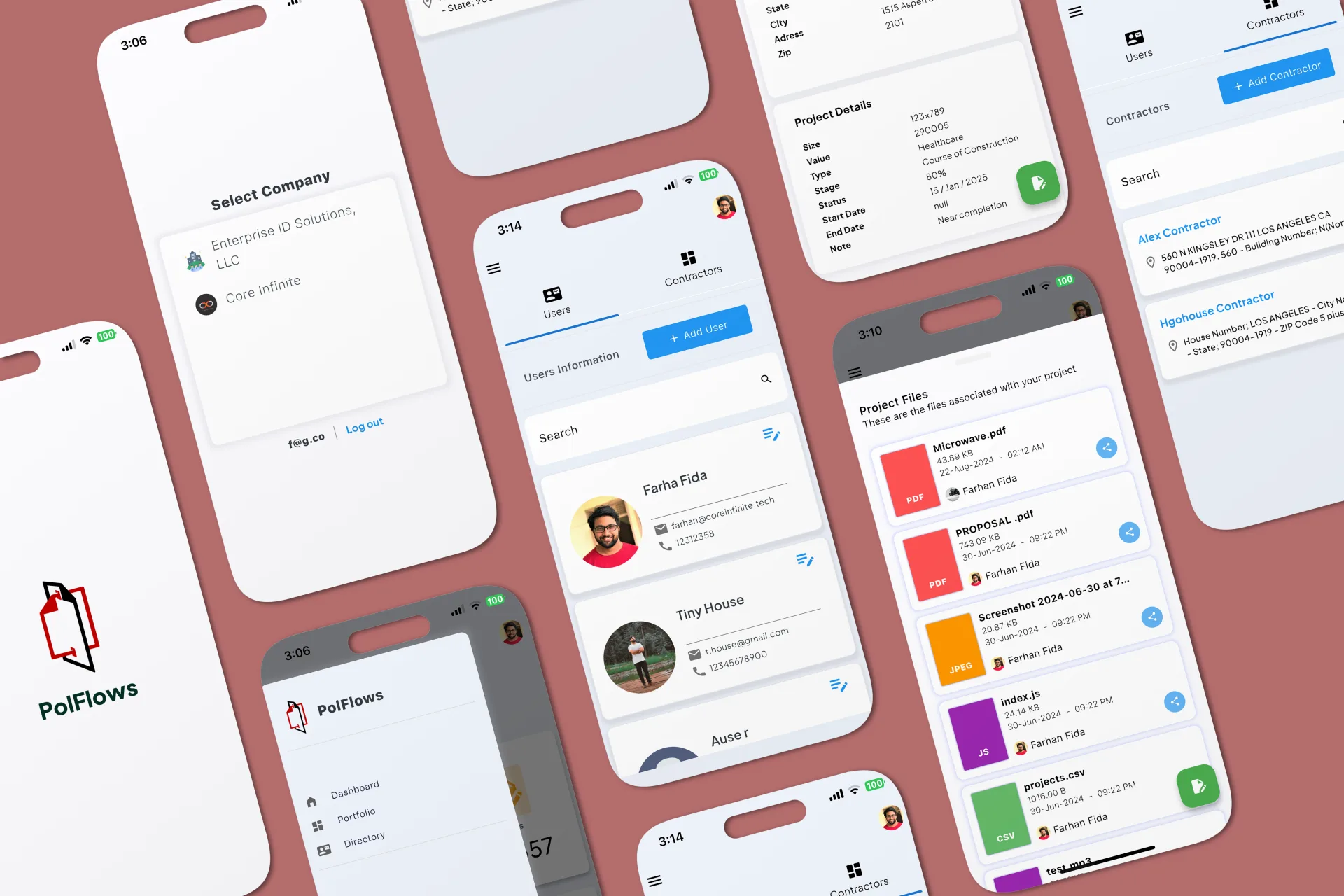
The web dashboard uses more space for project review and administration.
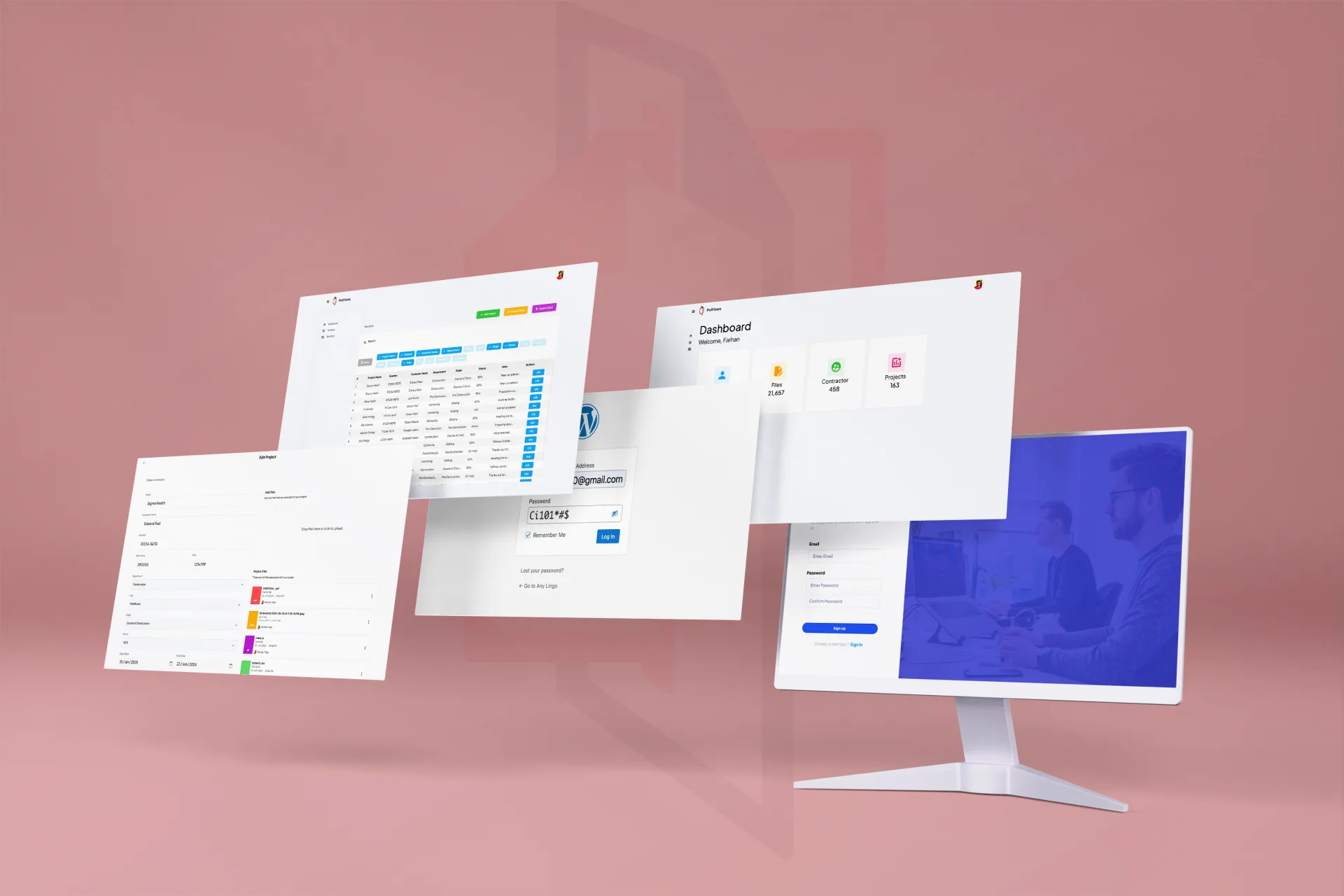
Project, file, and directory screens share the same names and structure.
PolFlows now gives office and site teams a familiar way to understand the same projects. Each device supports the work done there without changing the basic language of the product.
What we delivered
Start a project
Share the product, the current stage, and the support you need. We will reply with practical next steps.
Start a project