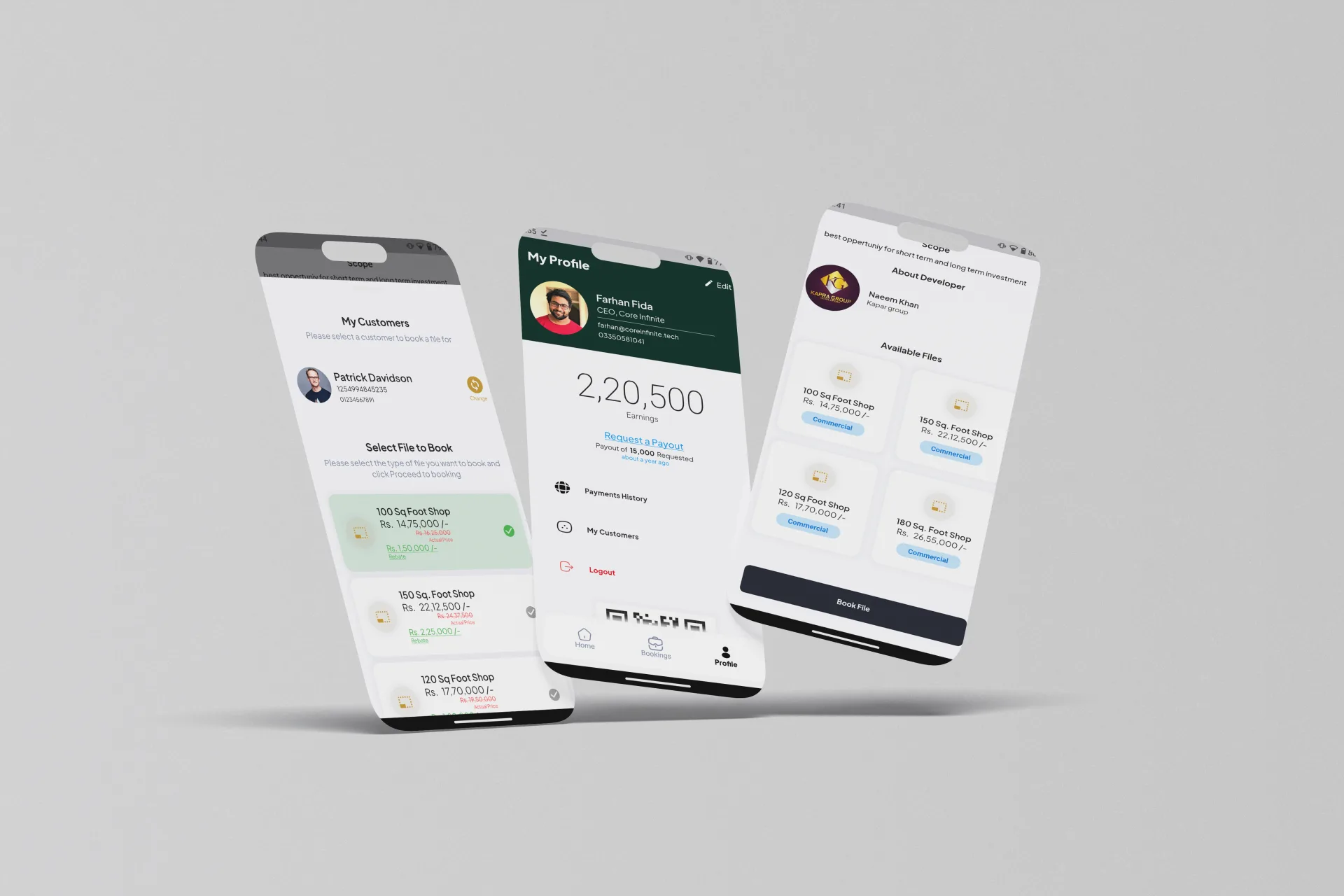
Job details
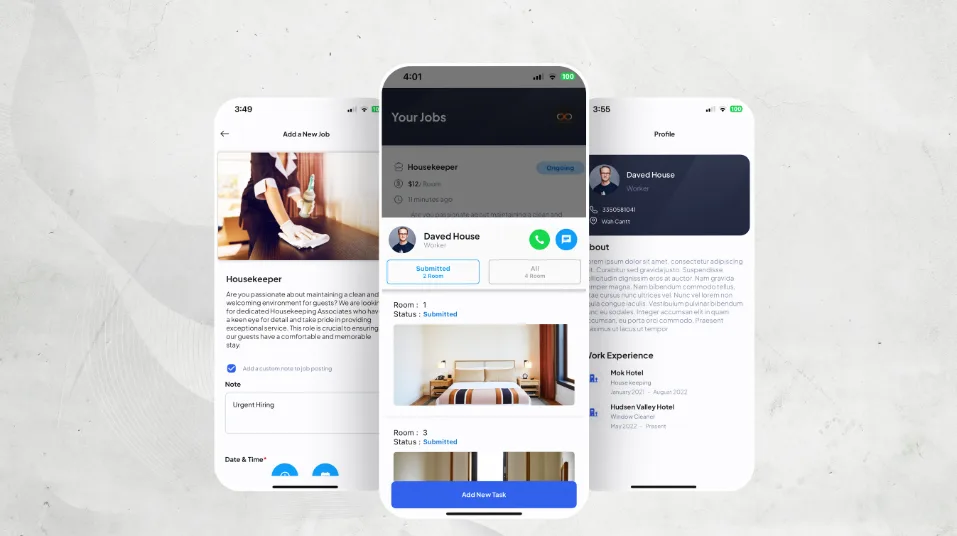
Hotels and contractors see the same schedule, location, and task information.
Helping hotels and contractors manage the whole job, not just the booking.
What we made, why it mattered, and how it came together.
Hire Direct connects hotels that need short-term staff with independent contractors looking for work. We designed both sides of the experience so a job stays clear from the first application to the final review.
Schedules, room assignments, tasks, photos, and messages all live with the same job. That gives everyone a shared view of what needs to happen and what has already been done.
Hotels and contractors see the same schedule, location, and task information.
Large jobs can be broken into rooms and simple, reviewable tasks.
Updates stay connected to the job they are about.
Finished jobs remain easy to find and review later.
Hotels need to share the right time, place, tasks, and expectations. Contractors need to understand those details before they accept the work.
We had to keep both sides in sync without making them jump between separate tools, long message threads, and spreadsheets.
What we had to balance
Fast applications and complete job details
Hotel oversight and contractor independence
Flexible schedules and clear status
Conversation and proof of work
Our approach
Every application, schedule, room, task, photo, and message belongs to one job record. Users can move through the work without losing the context they started with.
Each role gets a different home screen, but both sides use the same status language and job details.
Post work, review applicants, arrange shifts, and check completed tasks.
Find suitable work, manage a schedule, complete tasks, and build a work history.
Follow progress during a shift and help when something changes.
Browse available work with the main details visible from the start.
Check the role, location, time, rate, and expectations.
Send an application that stays connected to the job.
See confirmed dates, rooms, and assigned work.
Work through clear room-level instructions and updates.
Add photos or notes where the hotel can review them.
Review the result and keep a record of completed work.
Each feature supports the wider experience instead of standing on its own.
Simple job cards show enough detail to decide whether an opportunity is relevant.
A confirmed booking brings the people, schedule, instructions, and status together.
Hotels can turn a large shift into smaller pieces of work that are easier to follow.
Photos, notes, and messages stay close to the work they explain.
Key decisions
DecisionUse the same job record for both hotels and contractors.
ReasonIt reduces conflicting details and gives everyone the same point of reference.
DecisionShow progress around the rooms and tasks people actually work on.
ReasonConcrete work is easier to understand than a vague overall percentage.
DecisionAttach each submission to the task it supports.
ReasonReviewers can understand the update without searching through a separate gallery.
Information
The screen separates the role, time, status, and next action so important details are easy to scan.
Interaction
Users begin with a job summary and open a room or task when they are ready to act.
Communication
The related job and people remain visible while a conversation is open.
Structure
The product is built around reusable records for jobs, people, rooms, tasks, messages, and submissions.
Reliability
The design includes rescheduling, missing photos, partly finished rooms, and unanswered messages.
Screens and design details from the project, with a short note about each view.
Hotel and contractor views share the same job details.
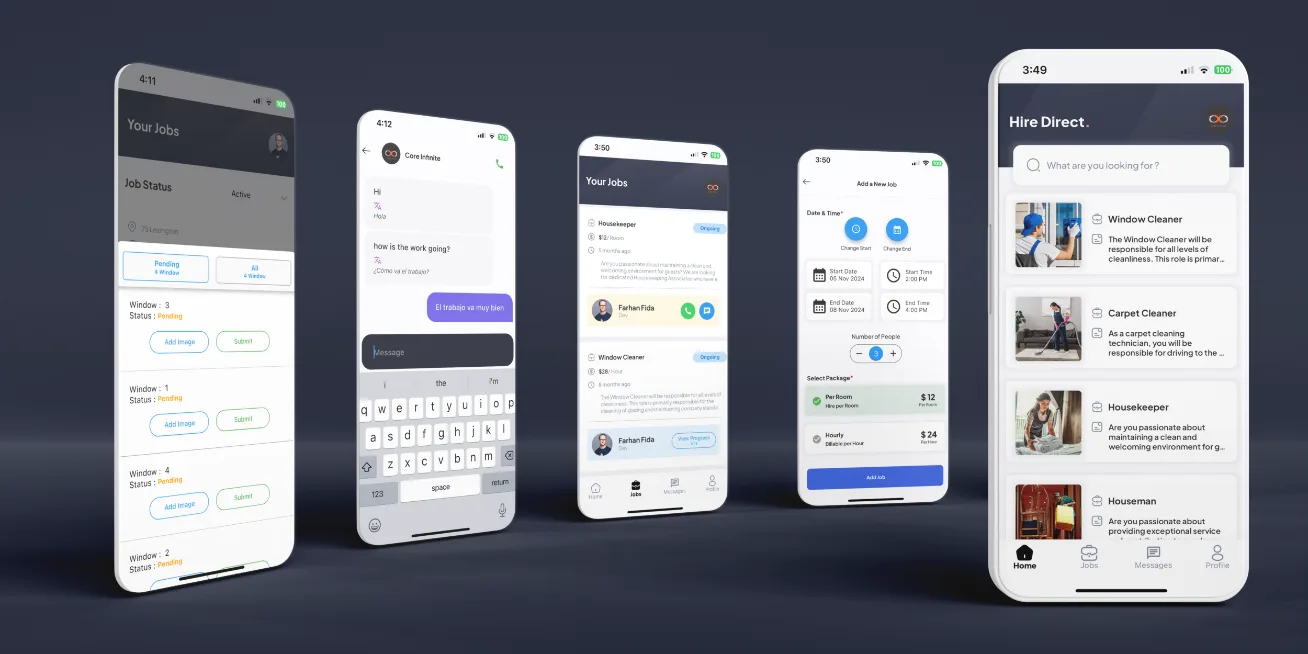
Room work is divided into clear tasks, updates, and review states.
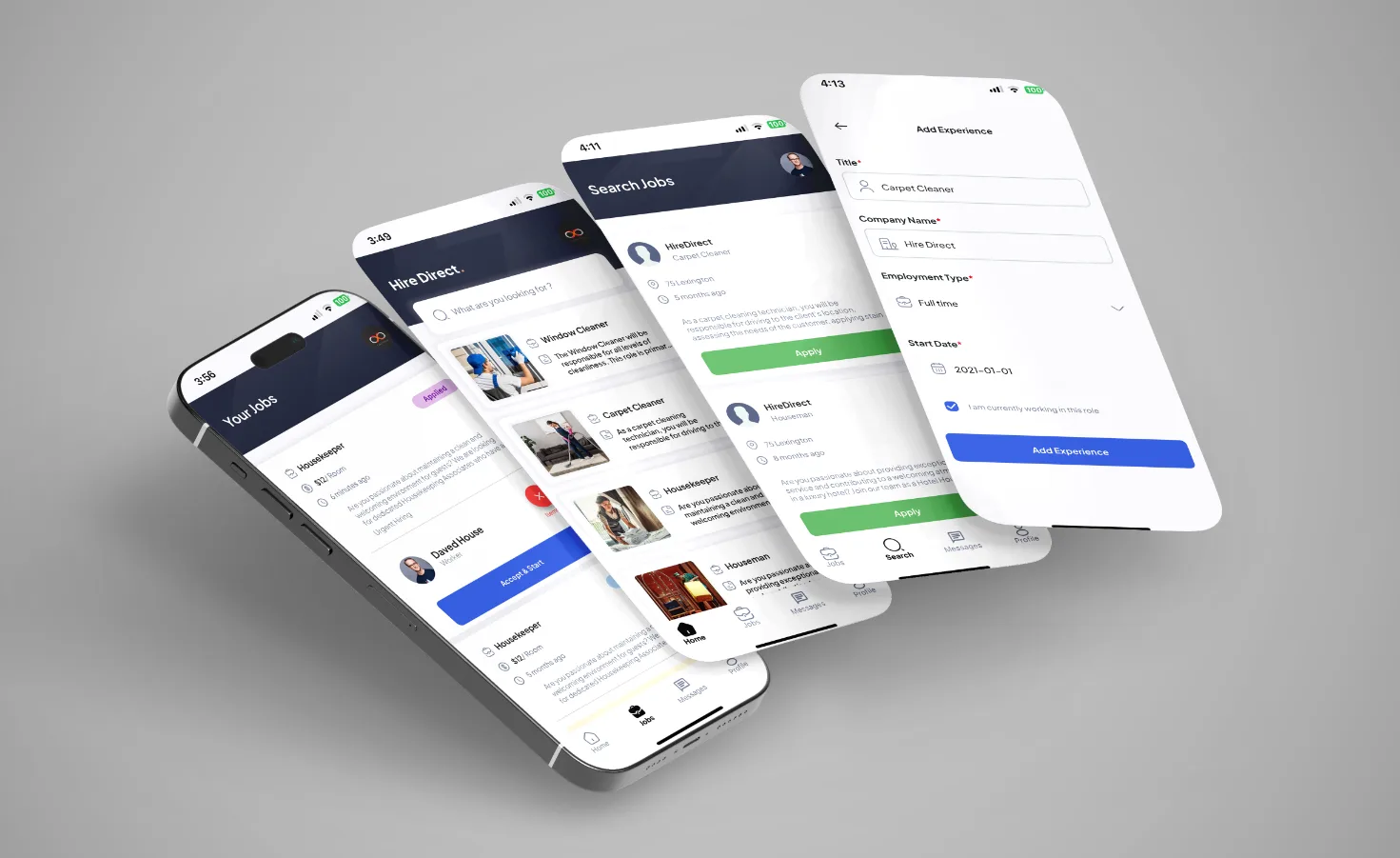
Schedules, profiles, history, and messaging support the job from start to finish.
Hire Direct connects finding work with the practical details of delivering it. Hotels and contractors can follow the same job from booking to completion without losing the information they need.
What we delivered
Start a project
Share the product, the current stage, and the support you need. We will reply with practical next steps.
Start a project