An app brief often begins as a feature list: accounts, notifications, reports, payments, and a dashboard. Each feature sounds reasonable. Together, they can hide the first question a development team needs answered: what useful task must a person finish in the first release?
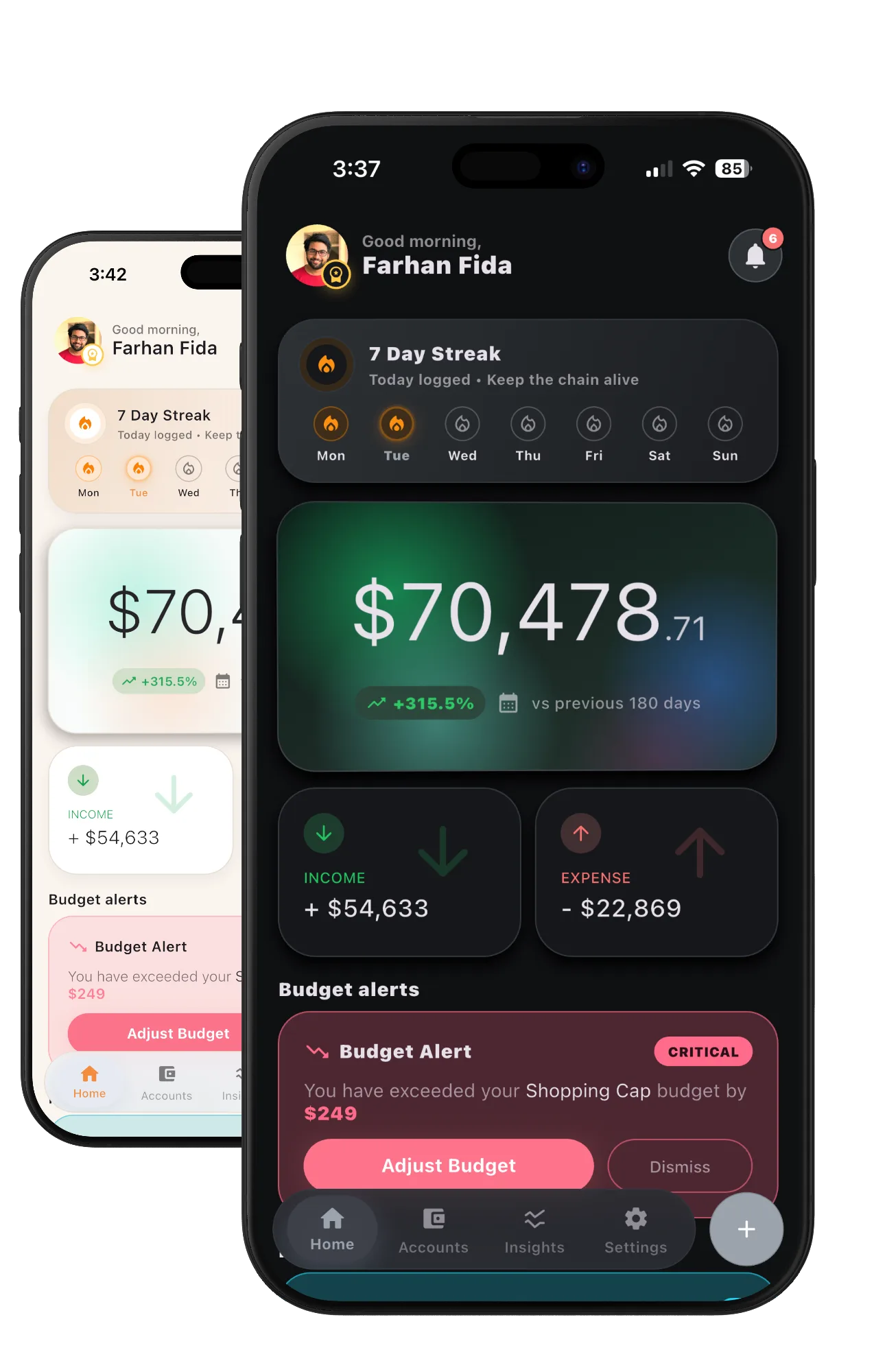
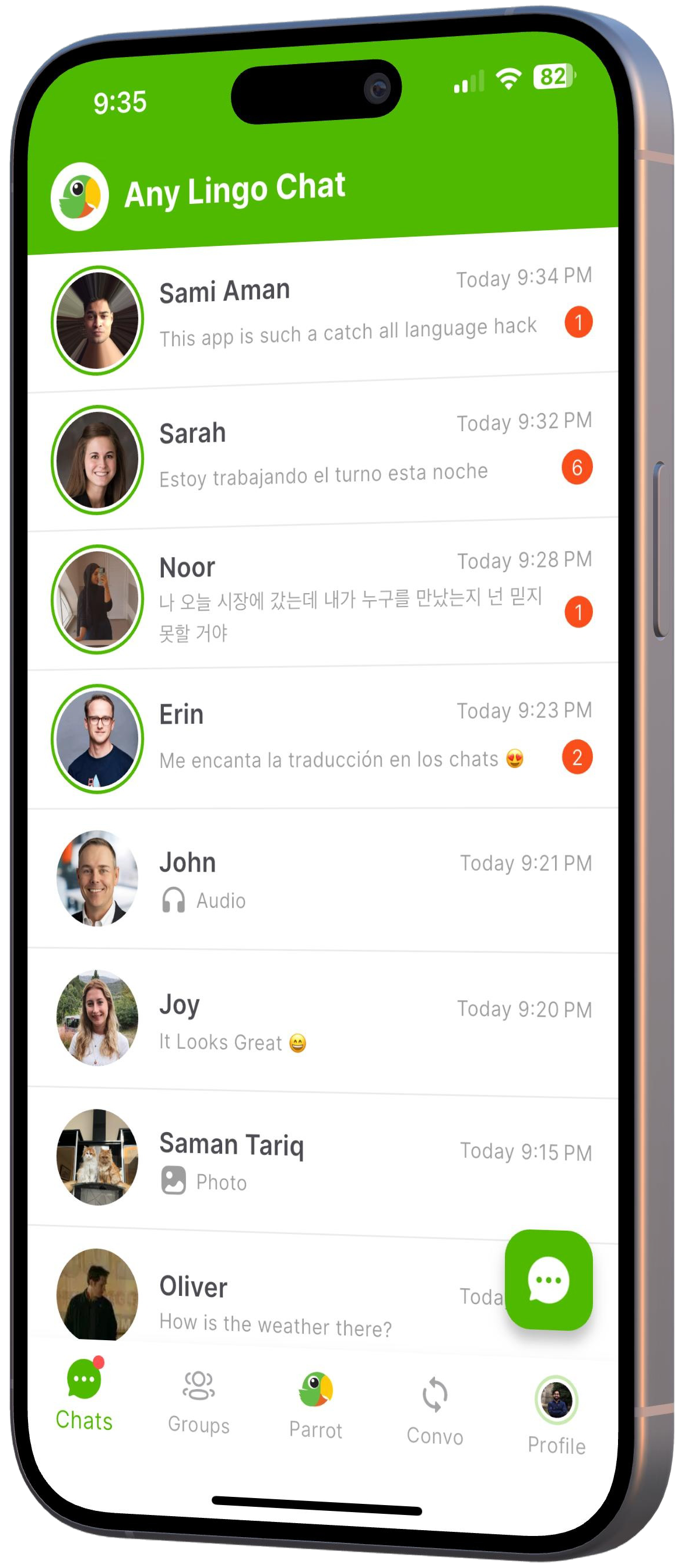
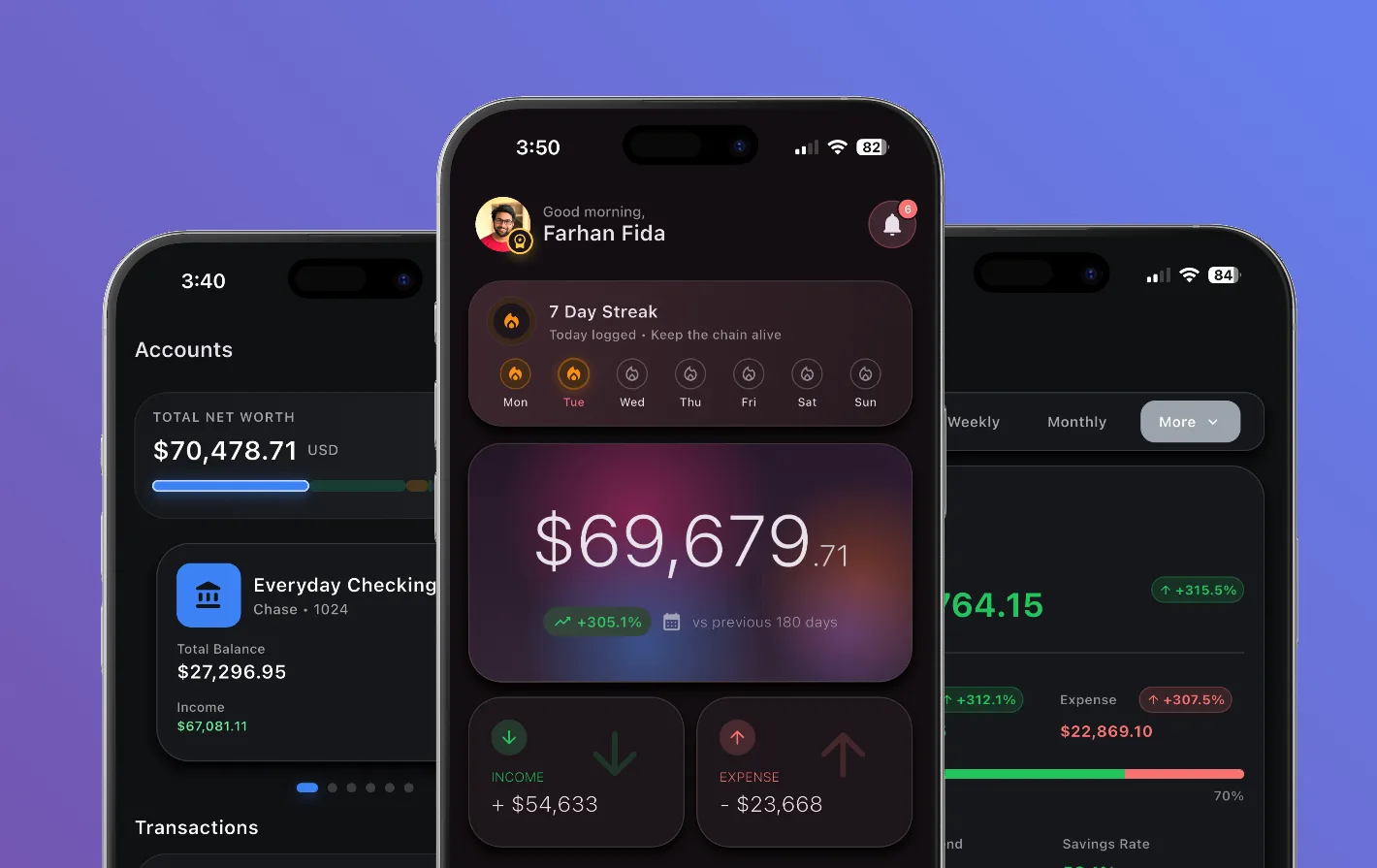
Our Cires case study documents money entry, budgets, reports, regional settings, and widgets. AnyLingo brings messaging, translation, spoken conversation, and learning together. The examples below use decisions from those products to show how to plan a smaller, coherent first release.
1. Write the journey as a completed task
Describe the user, the starting point, and the result. For a money-tracking app, a useful candidate is: a person records an expense against an account and can find the entry in the day's activity. For a translation app, it might be: a person chooses two languages, translates a message, and can see the original beside the result.
Walk through that task before adding adjacent features. What information is needed? Which decisions does the person make? What happens if the amount is invalid or the translation service is unavailable? A screen list alone will not answer those questions.
- Who is using the app, and in what situation?
- What must they provide to start?
- What result can they inspect when the task finishes?
- How do they correct a mistake or try again?
2. Separate the core journey from later expansion
Use three groups in the scope: required for the journey, useful after it works, and dependent on evidence from use. Reports, widgets, extra languages, subscriptions, or a second input format may belong in different groups for different products.
In AnyLingo, text, audio, files, and camera translation share familiar language choices. That is a useful planning lesson: when adding an input format, reuse the decisions people already understand. Decide whether that extra format is necessary to prove the first journey before putting it into the release.
Record what is deferred and why. This gives later conversations a shared reference and helps the team recognize when a new request changes the agreed scope.
3. Resolve data rules before polishing the screens
Cires treats a transfer separately from an expense. It records the rate used for a transaction, and categories keep a fixed identity when their displayed language changes. These are product rules with consequences for forms, history, filters, and reports.
For your app, write down who owns a record, what can change, what must stay in history, and how deletion works. Include units, dates, time zones, languages, and identifiers where they affect the task. A visually simple form can still need careful rules underneath it.
Make account requirements explicit too. Cires keeps core records on the device and offers optional backup. If your first journey needs sign-in or a remote service, include the loading, expired-session, unavailable-service, and recovery behavior in the scope.
4. Choose platform and integration requirements deliberately
List the target platforms and the device capabilities the journey uses. Camera access, audio recording, notifications, local files, and home-screen widgets each add behavior beyond a standard screen. Include permission refusal and interrupted tasks in the design review.
For every outside service, identify the account owner, expected cost, access requirements, and what the app should show when the service fails. A working prototype with temporary credentials does not settle the release or maintenance plan.
Our mobile app development service connects these decisions to Android and iOS delivery. If the workflow is still unclear, product discovery and UI/UX design can establish the flows and states before development is scoped.
5. Agree on acceptance before agreeing on a release date
Define a finished result in observable terms. For an expense-entry journey, that could mean the saved record uses the chosen account, appears once in history, survives reopening the app, and can be corrected. For translation, the original and translated message should remain distinguishable, and a failed request should leave a clear next action.
Then identify the environments where that result needs to be checked: supported devices, relevant languages, network conditions, and connected services. Store preparation, account access, content approval, and third-party review can affect the schedule even when implementation is complete.
A brief you can send to a development team
A useful first brief can be short. Bring the following details, existing designs or code if available, and a person who can answer questions about the workflow. The team can then separate known work from dependencies and open decisions before estimating delivery.
- The intended user and one core task
- The starting information and visible result
- Required features and deferred features
- Data rules, accounts, and external services
- Platforms, device capabilities, and release constraints
- Acceptance criteria and ownership after release